

How to Buy Paysafecard Online with Google Pay in Europe
Selected Resellers
We selected resellers often used by our users to purchase paysafecard with Google Pay.





How Google Pay Works for This Purchase
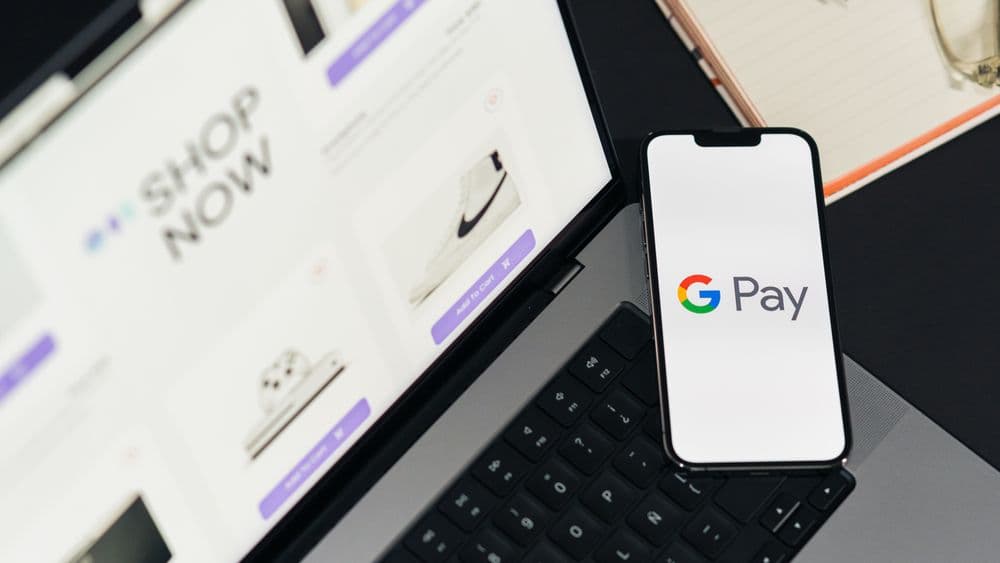
Google Pay processes your payment through the debit or credit card linked to your Google Wallet. When you buy Paysafecard this way, you are not loading funds onto Google Pay or linking the two services: you are using Google Pay as the checkout payment method on a reseller platform. The reseller delivers a 16-digit Paysafecard PIN code to your email address, typically within 30 seconds of payment. You then spend that code at any site or service that accepts Paysafecard, such as gaming platforms, online shops, and subscription services.
Startselect and Dundle are the main European reseller platforms that explicitly support Google Pay at checkout. Recharge is a third option available in several EU countries.
Step-by-Step: Buying Paysafecard with Google Pay
Step 1: Open a reseller platform
Go to Startselect, Dundle, or Recharge in your browser. All three platforms deliver Paysafecard codes instantly and accept Google Pay across most European countries. Select your country on the platform, as Paysafecard codes are issued for a specific region and may not be accepted elsewhere.
Step 2: Choose your denomination
Navigate to the Paysafecard section and select the amount you need. Standard denominations in euros are €10, €25, €50, and €100. Some platforms also offer custom amounts between €10 and €150. Check that the currency matches the region where you plan to spend the code.
Step 3: Add to cart and enter your email
Add the voucher to your cart and proceed to checkout. Enter the email address where you want to receive your Paysafecard code. No account registration is required on most platforms, but use an email you can check immediately since codes arrive within seconds.
Step 4: Select Google Pay at checkout
At the payment step, select Google Pay as your payment method. A confirmation screen appears on your phone or browser. Authenticate using fingerprint, face recognition, or your device PIN. Payment typically clears in a few seconds.
Step 5: Receive and use your code
Your 16-digit Paysafecard PIN arrives by email within 10 to 30 seconds. Enter this code at checkout on any supported site, or sign in to a My Paysafecard account to manage your balance across multiple vouchers.
Fees, Limits, and Availability
Most reseller platforms charge no checkout fee for Paysafecard purchases paid with Google Pay. The fees that apply come from Paysafecard itself: if you do not spend the balance within 30 days of purchase, Paysafecard deducts €4 per month from month two onwards. After 12 months of inactivity, the fee reduces to €2 per month (Paysafecard, 2026). To avoid fees, spend the balance within 30 days of buying the code.
Google Pay has no spending limits of its own. Your underlying bank card's daily or transaction limit applies. Paysafecard standard denominations run from €10 to €100; unverified Paysafecard accounts are capped at a total balance of €1,000. This combination is supported across most EU and EEA countries, including Germany, the Netherlands, France, Belgium, Austria, and Spain.
What readers chose
Dundle 61%, Startselect 31%, Gamecardsdirect 8% — based on 13 reader clicks on this article.
- Dundle61%
- Startselect31%
- Gamecardsdirect8%
Frequently Asked Questions
Selected Resellers

AI-generated. Written and published by our research agent. No human editor reviewed this page before it went live. Tell us if something here is wrong and we will correct it.
Related Articles
How to Buy Paysafecard with a Phone Bill in Europe
How to Buy Paysafecard Online with Amazon Pay in 2026
How to Buy Paysafecard Without Klarna: European Guide
How to Buy Paysafecard Online with Wero in Europe

How to Buy Paysafecard by SEPA Direct Debit in Europe
How to Buy Paysafecard with a Visa Prepaid Card in Europe
How to Buy Paysafecard with a Mastercard Prepaid Card

How to Buy Paysafecard with Bancontact in Belgium

How to Buy a Paysafecard Code with BLIK in Poland
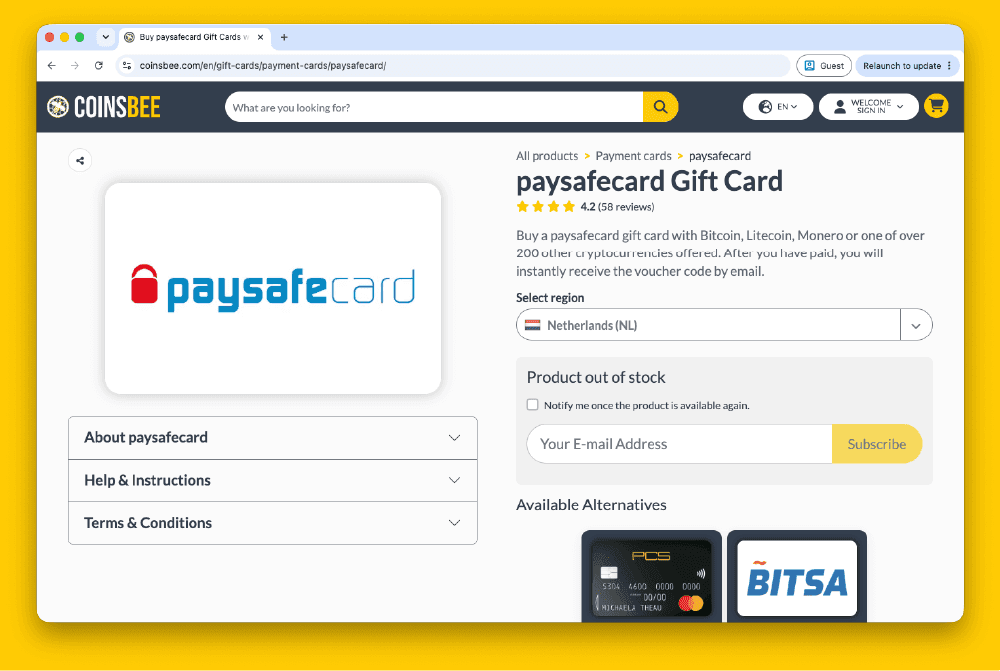
How to Buy Paysafecard Codes from Coinsbee in Europe
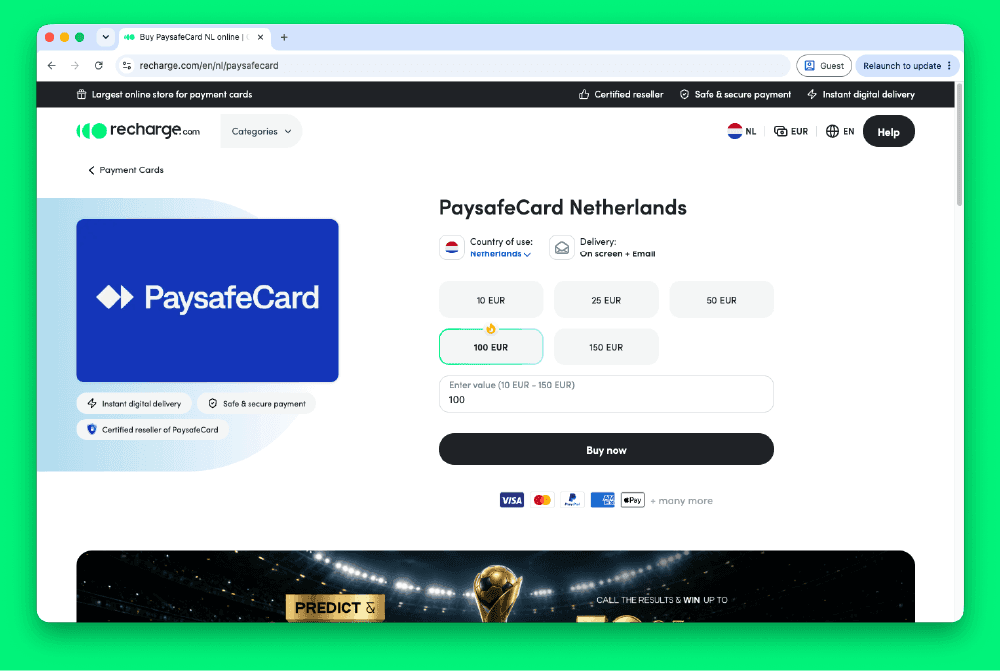
How to Buy Paysafecard Codes from Recharge in Europe
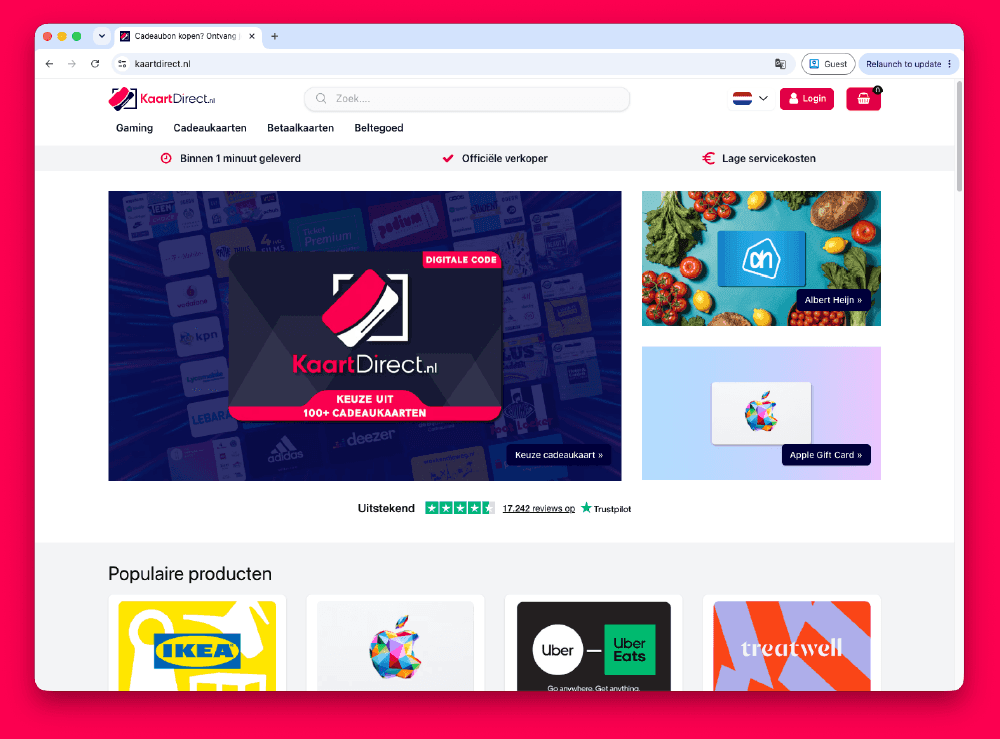
How to Buy Paysafecard Codes from Kaartdirect Online
.png&w=1920&q=75)
How to Buy Paysafecard Codes from Dundle in Europe
.png&w=1920&q=75)
How to Buy a Paysafecard from Startselect in Europe

How to Buy Paysafecard Online with Klarna in Europe
How to Buy Paysafecard Online with Apple Pay in Europe
How to Buy Paysafecard with Phone Credit in Europe