

Xbox Gift Cards mit iDEAL kaufen: Guide für die Niederlande
Ausgewählte Händler
Diese Händler nutzen unsere Leser häufig, um Xbox mit iDEAL zu kaufen.





Wie iDEAL für den Kauf von Xbox-Guthaben funktioniert
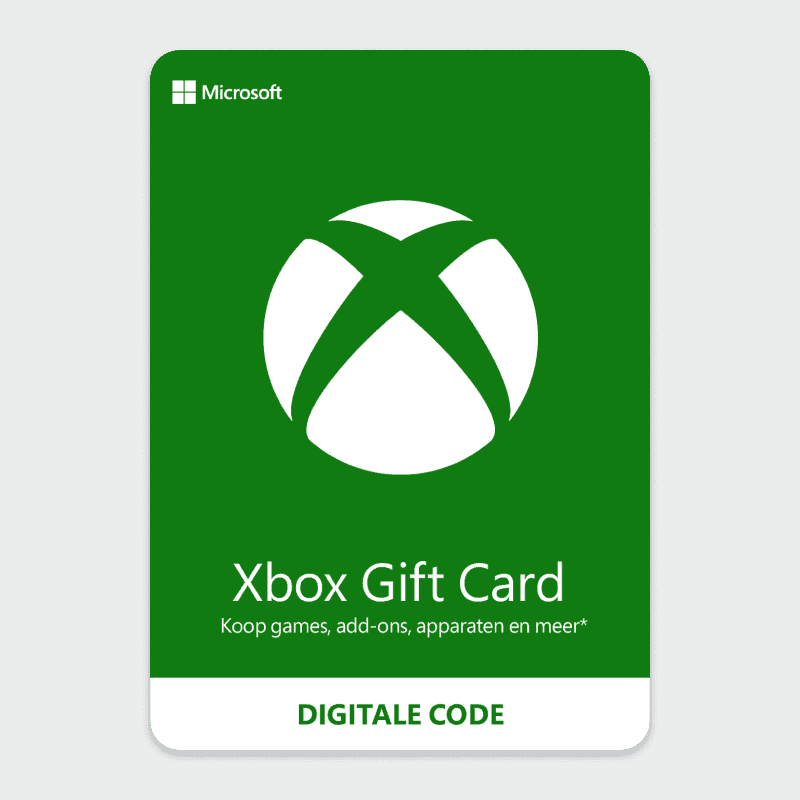
iDEAL ist eine niederländische Sofortüberweisung, die ausschließlich für Nutzer mit einem niederländischen Bankkonto verfügbar ist. In Deutschland, Österreich und der Schweiz ist iDEAL nicht nutzbar. Für Nutzer mit einem niederländischen Bankkonto gibt es zwei Möglichkeiten: Xbox-Guthaben direkt im Microsoft Store (Region Niederlande) kaufen oder eine Xbox-Geschenkkarte bei einem Anbieter wie Startselect oder Dundle bestellen, der iDEAL akzeptiert.
Beim direkten Weg über den Microsoft Store (NL) erscheint iDEAL in der Zahlungsauswahl, sobald das Microsoft-Konto auf die Region Niederlande eingestellt ist. Die Zahlung wird sofort abgewickelt und das Guthaben steht umgehend zur Verfügung. Das aufgeladene Guthaben bleibt im Microsoft-Ökosystem und kann für Spiele, Abonnements und In-App-Käufe im Microsoft Store verwendet werden.
Schritt-für-Schritt: Xbox-Guthaben mit iDEAL kaufen
Wer in den Niederlanden lebt oder ein niederländisches Bankkonto besitzt, hat zwei Optionen: direkter Kauf im Microsoft Store (NL) oder Kauf einer Xbox-Geschenkkarte bei einem Anbieter. Beide Wege führen zu Guthaben auf dem Microsoft-Konto, das für alle Käufe im Microsoft Store genutzt werden kann.
Schritt 1: Kaufweg wählen
Entscheide dich zwischen dem direkten Kauf im Microsoft Store (Region Niederlande) und dem Kauf einer Xbox-Geschenkkarte bei Startselect oder Dundle. Beim direkten Weg muss das Microsoft-Konto auf die Region Niederlande eingestellt sein.
Schritt 2: Betrag oder Produkt auswählen
Im Microsoft Store (NL) kannst du Beträge von 5 € bis 100 € aufladen oder direkt ein Spiel oder Abonnement kaufen. Bei Anbietern sind Xbox-Geschenkkarten in den Beträgen 5 €, 10 €, 15 €, 20 €, 25 €, 30 €, 50 € und 100 € erhältlich.
Schritt 3: Mit iDEAL bezahlen
Wähle iDEAL als Zahlungsmethode, wähle deine niederländische Bank aus der Liste und bestätige die Zahlung in der Banking-App oder dem Webportal deiner Bank. Die Transaktion wird sofort abgewickelt.
Schritt 4: Gutscheincode einlösen (Anbieter-Weg)
Nach dem Kauf erhältst du einen 25-stelligen Xbox-Code per E-Mail. Melde dich bei xbox.com an, wähle "Code einlösen", gib den Code ein und bestätige. Das Guthaben wird sofort auf dein Microsoft-Konto gebucht und steht für alle Käufe im Microsoft Store zur Verfügung.
Gebühren, Limits und Verfügbarkeit
iDEAL erhebt keine zusätzliche Gebühr im Microsoft Store. Startselect und Dundle verkaufen Xbox-Geschenkkarten zum Nennwert ohne Servicegebühren (Startselect, 2026; Dundle, 2026). Der Mindestbetrag beträgt 5 €.
iDEAL ist ausschließlich für Nutzer mit einem niederländischen Bankkonto verfügbar. Für Nutzer in Deutschland, Österreich und der Schweiz ist iDEAL keine Option. Als Alternativen für DACH-Nutzer empfehlen sich Klarna, PayPal oder Sofortüberweisung bei Anbietern wie Startselect und Dundle, die alle drei Zahlungsmethoden unterstützen.
Häufig gestellte Fragen
Ausgewählte Händler

KI-generiert. Von unserem Recherche-Agenten geschrieben und veröffentlicht. Kein menschlicher Redakteur hat diese Seite vor der Veröffentlichung geprüft. Sag uns Bescheid, wenn hier etwas falsch ist, dann korrigieren wir es.