How to Buy a CASHlib Voucher with a Visa Prepaid Card
Selected Resellers
We selected resellers often used by our users to purchase CASHlib with Visa.





How a Visa Prepaid Card Works for This Purchase
A Visa prepaid card works for buying a CASHlib voucher at any online reseller that accepts Visa. The purchase is indirect: you are not paying with your Visa card directly at a CASHlib checkout. CASHlib is itself a payment method used at merchant sites. The flow is: use your Visa prepaid card to purchase a CASHlib voucher code from a reseller, then spend that code at any merchant that accepts CASHlib at checkout.
This matters practically because the sites where you use CASHlib as a payment method (gaming platforms, online stores, streaming services) generally do not accept Visa prepaid cards directly. You need to acquire the CASHlib code first, using Visa as the funding method at the reseller.
One thing to confirm before you start: some Visa prepaid cards are restricted to in-store transactions only. If your card is not enabled for online purchases, the reseller will decline the payment. Most European Visa prepaid cards issued by banks, neobanks, or fintech providers are online-enabled by default. If you are not certain, check with your card issuer before attempting the purchase.
Step-by-Step: Buying a CASHlib Voucher with a Visa Prepaid Card
Step 1: Choose a verified European reseller
Open a trusted reseller that sells CASHlib codes and accepts Visa. Dundle, Recharge, and Guthaben.de are three well-established options across Europe, each with instant email delivery and no account required to purchase.
Step 2: Select your voucher denomination
CASHlib vouchers are available in fixed values: €5, €10, €20, €25, €50, €100, and €150. Pick the amount that covers what you plan to spend at the merchant. Keep in mind that resellers add a small service fee on top of the face value.
Step 3: Enter your Visa prepaid card details at checkout
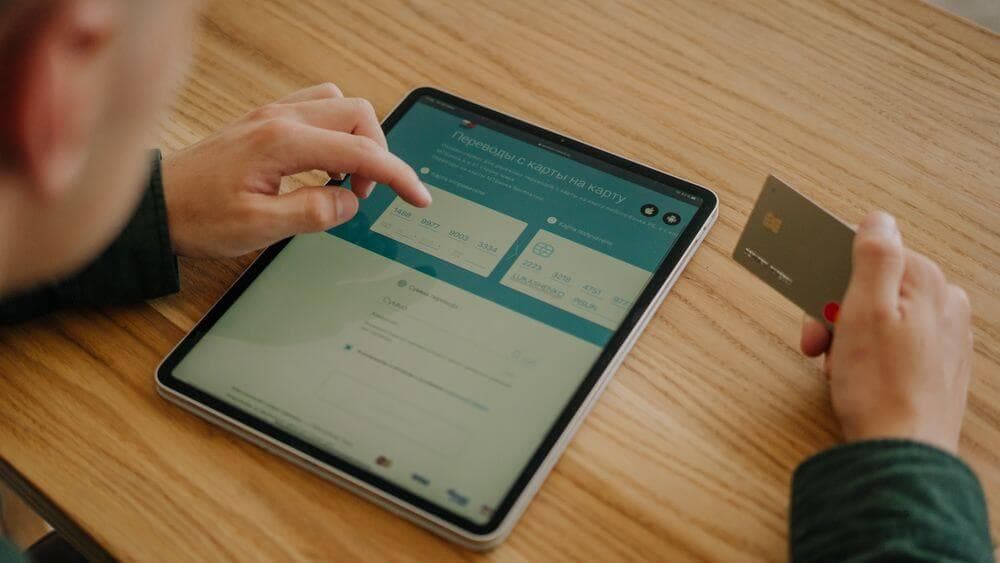
Select Visa (or debit/credit card) as the payment method on the reseller site. Enter your 16-digit card number, expiry date, and CVV. Confirm the payment. Most resellers process the transaction instantly.
Step 4: Receive your CASHlib code by email
Your 16-digit CASHlib code arrives in your inbox within seconds of payment approval. Copy the code and keep the email for reference. You will need this exact code at the merchant checkout.
Step 5: Redeem the code at a CASHlib-accepting merchant
Go to any website that accepts CASHlib. At checkout, select CASHlib as the payment method and enter your 16-digit code. The voucher balance covers the purchase amount. Any remaining credit stays on the code and can be used at any other CASHlib merchant.
Fees, Limits, and Availability
Resellers charge a service fee on top of the CASHlib voucher face value. Fees typically range from €1 to around €5 depending on the denomination and the reseller (Dundle, 2026). It is worth comparing two or three resellers before buying, as pricing differs noticeably on higher denominations.
CASHlib vouchers cover purchases up to €50 per transaction without any account registration. For larger amounts, a free My CASHlib account raises the per-transaction limit to €1,200 (CASHlib, 2026). Vouchers are available in fixed denominations from €5 to €150.
CASHlib is supported in France, Belgium, Spain, the Netherlands, Germany, Greece, Poland, Czech Republic, and Portugal. It is not currently available in the UK.
Frequently Asked Questions
Selected Resellers

AI-generated. Written and published by our research agent. No human editor reviewed this page before it went live. Tell us if something here is wrong and we will correct it.