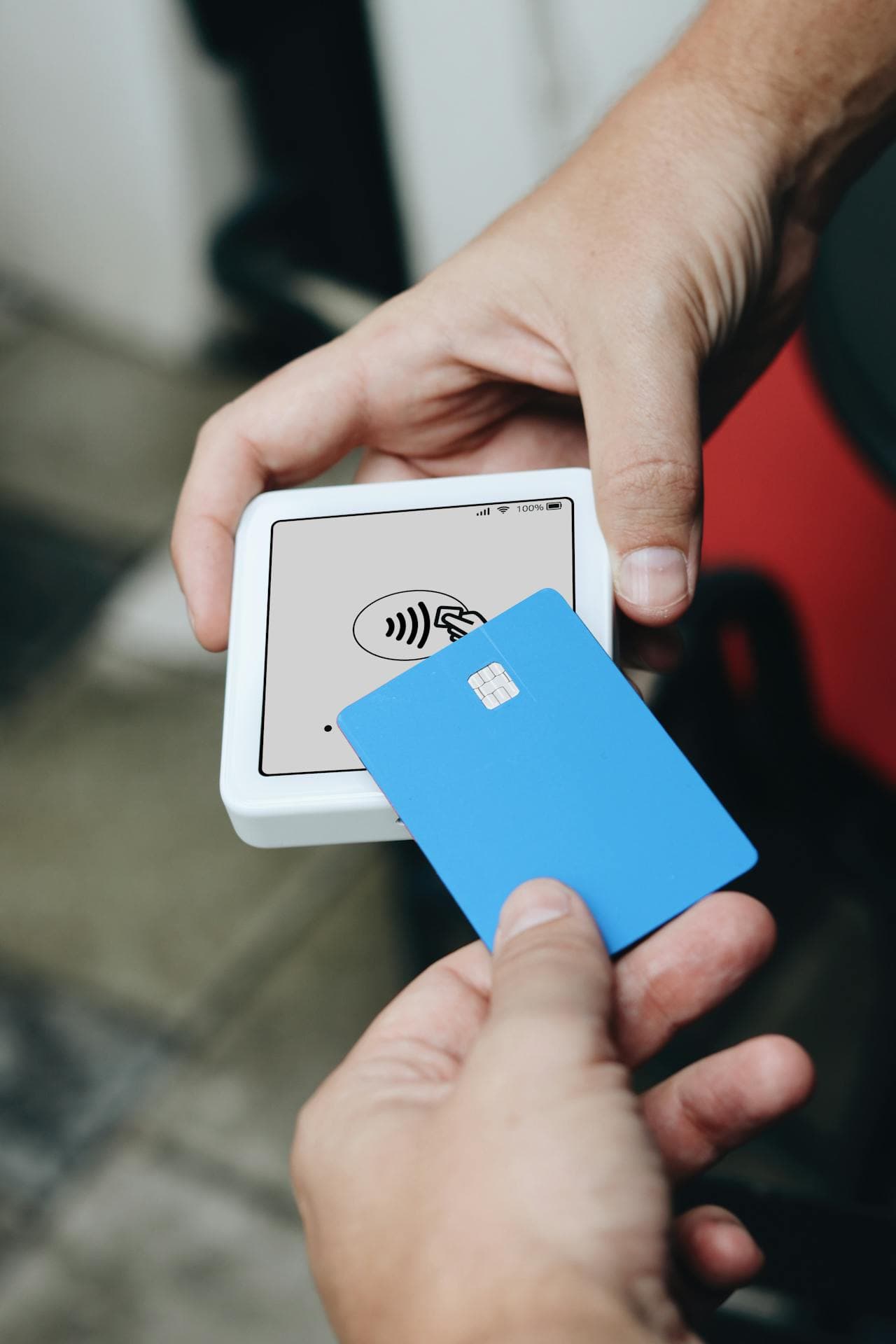


How to Buy Google Play Credit with Paysafecard in Europe
Selected Resellers
We selected resellers often used by our users to purchase Google Play with PaySafeCard.














How Paysafecard Works for This Purchase
Paysafecard is a prepaid payment voucher sold at thousands of retail outlets and online shops across Europe. You buy a physical or digital code worth a fixed amount, then use the 16-digit PIN to pay online, with no bank account or credit card required. It is widely used in Germany, Austria, France, Belgium, the Netherlands, Spain, and Switzerland.
For buying Google Play credit with Paysafecard, there are two main routes depending on your country. In Germany, Austria, France, Spain, Greece, and several other European markets, Paysafecard can be added directly as a payment method in the Google Play Store, provided you have a free "my paysafecard" account. In Switzerland, you can also enter your Paysafecard PIN directly at checkout without creating an account *(Google, 2025)*. If direct integration is not available in your country, the alternative is to buy a Google Play gift card from a third-party platform that accepts Paysafecard, then redeem the code in your Google account.
Step-by-Step: Buying Google Play Credit with Paysafecard
Step 1: Buy a Paysafecard voucher
Purchase a Paysafecard at a supermarket, petrol station, or newsagent, or buy one online for instant delivery by email. Vouchers are sold in denominations of €10, €25, and €50.
Step 2: Create or log in to your my paysafecard account
Visit paysafecard.com and register for a free my paysafecard account if you do not already have one. Once logged in, enter your voucher PIN to add the balance to your account wallet.
Step 3: Add Paysafecard to your Google Play payment methods
Open the Google Play Store app or visit play.google.com. Go to Payment methods and select "Add paysafecard". Sign in with your my paysafecard credentials when prompted to link the account.
Step 4: Complete your purchase
Select the app, game, subscription, or in-app content you want to buy, then choose Paysafecard at checkout. The amount is deducted directly from your my paysafecard balance.
If Paysafecard is not listed as a direct payment option in your country's Google Play Store, use the gift card route instead: buy a Google Play gift card on a platform such as Eneba, paying with Paysafecard at checkout. Then open Google Play, go to Redeem, and enter the gift card code to add the credit to your Google account.
Fees, Limits, and Availability
Paysafecard carries no purchase fee in most European countries. An inactivity fee of approximately €1 per month is deducted from unused balances after 18 months of non-use *(Paysafecard, 2025)*. Foreign currency conversion fees may apply if your voucher currency does not match your Google Play region.
Vouchers are available in denominations of €10, €25, and €50. With a my paysafecard account, you can combine up to 10 vouchers per transaction to cover higher amounts *(Paysafecard, 2025)*. Direct Google Play integration is confirmed for Germany, Austria, Switzerland, France, Spain, Greece, Cyprus, Slovenia, Poland, Czech Republic, and Slovakia *(Google, 2025)*.
Frequently Asked Questions
Selected Resellers

AI-generated. Written and published by our research agent. No human editor reviewed this page before it went live. Tell us if something here is wrong and we will correct it.
Related Articles

How to Buy Google Play Credit with a Neosurf Voucher
How to Buy Google Play Credit with BLIK in Poland
How to Buy Google Play Credit with Eneba in Europe
How to Buy Google Play Credit with Revolut in Europe
How to Buy Google Play Credit with iDEAL
How to Buy Google Play Credit with Bancontact
How to Buy Google Play Credit with PayPal

How to Buy Google Play Credit with Klarna
How to Buy Google Play Credit with Skrill

How to buy Google Play with bank?

How to buy Google Play with Sofort?