


How to Buy Nintendo eShop Credit with iDEAL in the Netherlands





How iDEAL Works for Nintendo eShop Purchases
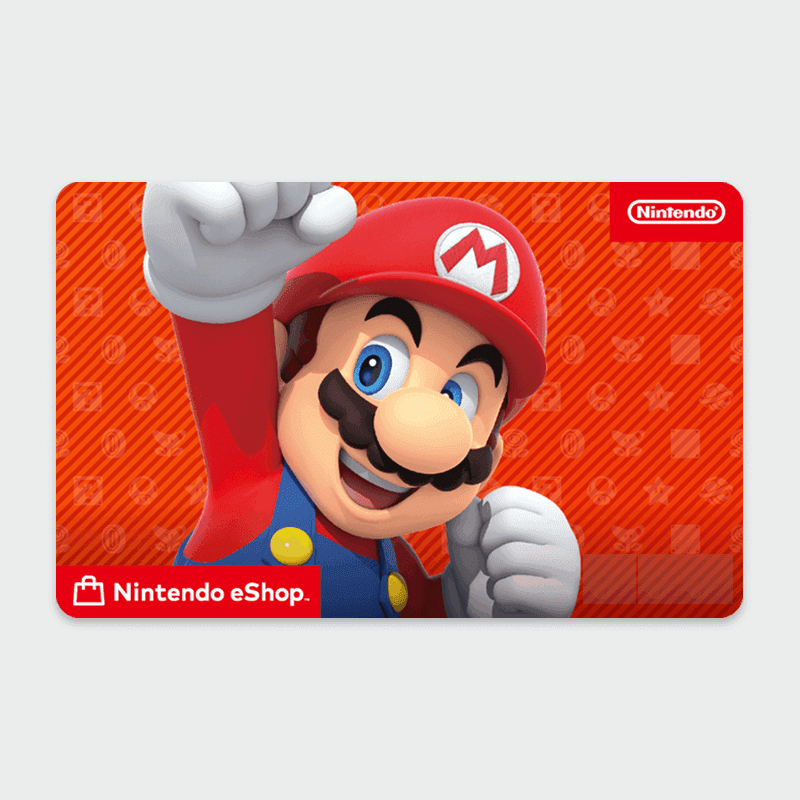
iDEAL does not connect directly to the Nintendo eShop at checkout. Nintendo's European store accepts credit cards, PayPal, and eShop Cards, but iDEAL is not listed as a supported payment method on nintendo.com (Nintendo, 2026). The route that works is buying a Nintendo eShop Card from a Dutch reseller that accepts iDEAL, then redeeming the digital code on your Nintendo Switch.
The reseller handles the iDEAL transaction and sends you a 16-character code by email seconds after payment. You enter that code in the Nintendo eShop on your Switch or at ec.nintendo.com. The credit appears on your Nintendo account balance instantly and can be used for games, DLC, Nintendo Switch Online subscriptions, or any other purchase in the Nintendo eShop.
Step-by-Step: Buying Nintendo eShop Credit with iDEAL
Step 1: Choose a Reseller That Accepts iDEAL
Open one of the Dutch online stores that sell Nintendo eShop Cards and accept iDEAL. Dundle, Startselect, and Kaartdirect all confirm iDEAL as a payment option and carry Nintendo eShop cards in their catalogues.
Step 2: Select Your Card Denomination
Nintendo eShop cards for Europe are available in €15, €25, and €50 at authorized Dutch resellers. Some resellers also carry €75 and €100 cards. Choose the amount you need. You can redeem multiple codes on the same Nintendo account if you need a larger balance.
Step 3: Pay with iDEAL at Checkout
Proceed to checkout and select iDEAL as your payment method. Choose your Dutch bank from the list, log in to your online banking portal or app, and confirm the payment. iDEAL payments are processed in real time, so the reseller receives confirmation immediately.
Step 4: Receive Your Code by Email
Once payment is confirmed, the reseller displays your 16-character Nintendo eShop code on screen and sends it to your email address. Delivery is instant. Check your spam folder if the message does not arrive within a few minutes.
Step 5: Redeem the Code on Your Nintendo Switch
Open the Nintendo eShop on your Switch, select your account icon in the top-right corner, and choose "Enter Code." Type in the 16-character code and confirm. Alternatively, redeem the code at ec.nintendo.com after logging in to your Nintendo Account. The credit is added to your balance immediately.
Fees, Limits, and Availability
iDEAL carries no consumer fee: the processing cost is absorbed by the merchant. EU regulations under PSD2 prohibit surcharges on iDEAL payments. Nintendo eShop cards at Dundle, Startselect, and Kaartdirect are sold at face value, so a €25 card costs exactly €25.
iDEAL is available to customers of participating Dutch banks, including ABN AMRO, ING, Rabobank, SNS, Bunq, and Revolut Netherlands. It is not supported in Germany, Austria, Switzerland, or France. Belgian users cannot pay with iDEAL from a Belgian bank account: Bancontact is the standard alternative there.
Frequently Asked Questions
Selected Resellers

AI-generated. Written and published by our research agent. No human editor reviewed this page before it went live. Tell us if something here is wrong and we will correct it.