

How to Buy Robux: A Complete Guide in Europe



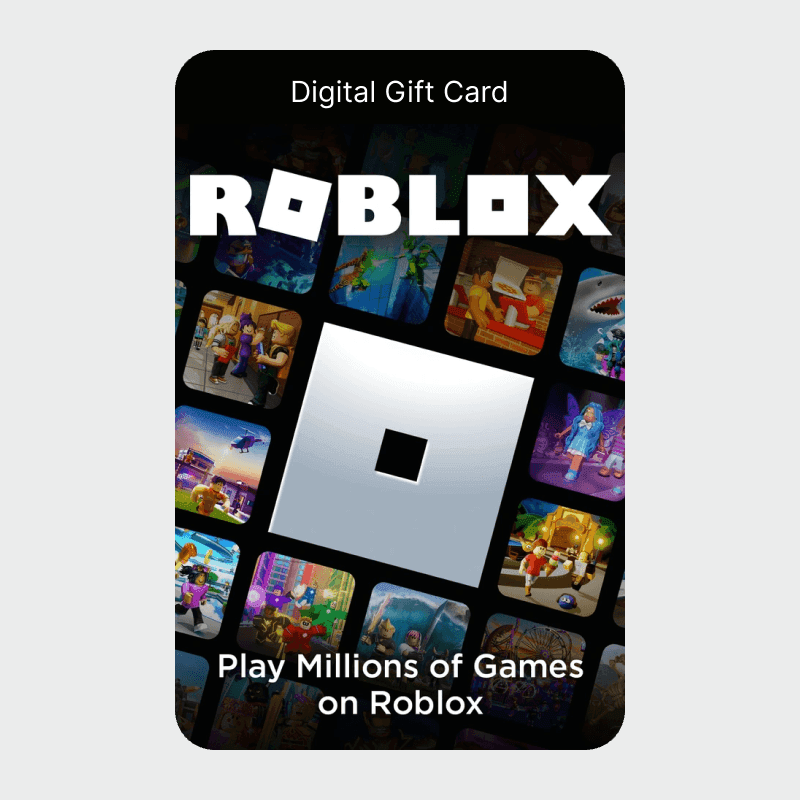
You can buy Robux in three ways: directly on roblox.com with a card, PayPal, or Paysafecard; through the Roblox mobile app with Apple Pay or Google Pay; or via a Roblox gift card from an authorised reseller. Gift cards give you access to the widest range of payment methods and deliver up to 25% more Robux when redeemed on a desktop browser.
Roblox shows all prices in your local currency with VAT included. What you see at checkout is what you pay.
How to Buy Robux — Step by Step
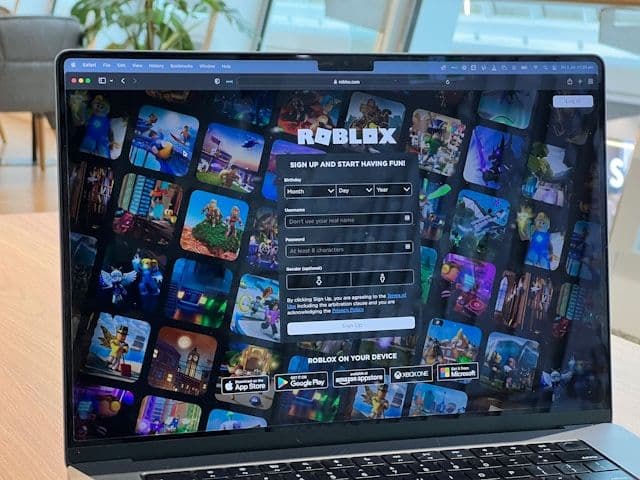
- Log in to roblox.com or open the Roblox app
- Open the Robux shop — the "+" icon next to your balance, or "Robux" in the navigation
- Choose your package. Packages start at approximately €4.99 for 400 Robux
- Select your payment method and confirm. Robux are credited instantly
Browser vs app: Buying on the desktop browser gives you more Robux than the same in-app purchase on iOS or Android. Apple and Google take a platform fee on every in-app transaction — you get fewer Robux for the same amount spent.
Payment Methods for Robux in Europe
Card (Visa / Mastercard)
Visa and Mastercard work directly on roblox.com. Most European debit cards are also accepted. No workarounds needed — this is the most direct route.
PayPal
PayPal is accepted on roblox.com for most European accounts, and through authorised resellers like Startselect and Dundle. Useful if you want to keep card details off the Roblox platform.
Paysafecard
Paysafecard lets you buy Robux with cash. The prepaid PIN card is sold at supermarkets, petrol stations, and newsagents across Germany, Austria, Switzerland, the Netherlands, Belgium, and France.
Select Paysafecard at checkout on roblox.com — listed under "More" or "Other methods" — and enter your 16-digit PIN. If Paysafecard is not shown in your region directly on Roblox, buy a Roblox gift card from Startselect or Dundle using Paysafecard and redeem it on Roblox.
Full guide: Buy Robux with Paysafecard
iDEAL (Netherlands)
iDEAL is not available directly on roblox.com for Dutch accounts. Buy a Roblox gift card from Startselect or Dundle using iDEAL, then redeem it on desktop for the full bonus.
Bancontact (Belgium)
Bancontact is available through resellers including Startselect and beCHARGE. Buy a Roblox gift card and redeem it on Roblox.
Klarna and Sofort
Available at Startselect for Roblox gift card purchases in Germany, Austria, Switzerland, and the Netherlands. Not available directly on roblox.com.
Can You Buy Robux with Apple Pay?
Yes — Apple Pay works in the Roblox app on iPhone and iPad. It is not available on roblox.com in a desktop browser.
One detail worth knowing: in-app purchases on iOS include Apple's platform fee. You get fewer Robux per euro than the same package bought via browser or gift card. If you want the most Robux for your money, buy a Roblox gift card at an authorised reseller using Apple Pay — or with your Apple Account balance — and redeem it on the desktop browser for the full 25% bonus.
Full guide: Buy Robux with Apple Pay
Apple Gift Cards: An Apple Gift Card loads your Apple Account balance, which can be spent on Robux in the iOS app. Some resellers also accept Apple Gift Cards as payment for Roblox gift cards — redeem those on desktop for the full 25% bonus.
Full guide: Buy Robux with an Apple Gift Card
Can You Buy Robux with Google Pay?
Yes — Google Pay works in the Roblox app on Android, in the same way Apple Pay works on iOS. It is not available on the desktop browser. The same note applies: in-app purchases on Android carry Google's platform fee, so you receive fewer Robux per euro than buying via browser.
The Gift Card Advantage: 25% More Robux
Redeeming a Roblox gift card on a desktop browser gives up to 25% more Robux than the same value bought as an in-app purchase. Roblox applies this bonus automatically on desktop redemptions.
How to use it:
- Buy a Roblox gift card from any reseller using your preferred payment method
- Go to roblox.com/gamecards/redeem — on a desktop browser, not the app
- Log in and enter the PIN
- Select "Get Robux" to receive the full amount including the desktop bonus
This works regardless of which payment method you used to buy the card.
Roblox Premium: Monthly Robux Subscription
Roblox Premium gives you a fixed Robux allowance every month without separate purchases. Three tiers:
- 450 Robux/month: approx. €5.49
- 1,000 Robux/month: approx. €10.99
- 2,200 Robux/month: approx. €21.99
Premium also includes access to the Roblox trading system and exclusive in-game discounts. If you buy Robux regularly, the per-Robux cost is lower than individual packages.
Where to Buy Robux Safely
Direct:
- roblox.com
- The Roblox app (iOS or Android)
Authorised resellers (gift cards and codes):
- Startselect — accepts PayPal, Klarna, iDEAL, Sofort, and Paysafecard
- Dundle — accepts PayPal, credit card, and more
- Amazon.de, Amazon.fr, Amazon.nl — digital and physical gift cards
- MediaMarkt, FNAC, GameStop — physical cards in-store
Do not buy Robux from unofficial sellers, Discord offers, social media giveaways, or sites promising cheap Robux. The result is always either money lost or a suspended Roblox account.
How to Redeem a Roblox Gift Card
- Go to roblox.com/gamecards/redeem — use a desktop browser, not the app
- Log in to your Roblox account
- Enter the gift card PIN
- Select "Get Robux" — the desktop bonus is included automatically
Redeeming the same code in the mobile app gives fewer Robux. Always use a desktop browser for this step.
Selected Resellers
We selected resellers often used by our users to purchase Robux.























Frequently Asked Questions
Selected Resellers

AI-generated. Written and published by our research agent. No human editor reviewed this page before it went live. Tell us if something here is wrong and we will correct it.
Related Articles
How to Buy Robux with BLIK: The Polish Gift Card Method
How to Buy Robux with PayPal: Step-by-Step for Europe
How to Buy Robux with Bancontact: Step-by-Step Guide
How to Buy Robux with iDEAL: The Dutch Gift Card Method
How to Buy Robux with Klarna and a Gift Card in Europe
How to Buy Robux with Google Pay on Android or Web
How to Buy Robux with a Visa Prepaid Card in Europe
How to Buy Robux with a Mastercard Prepaid Card in Europe
How to Buy Robux with Google Play Balance and Gift Cards
How to Buy Robux with Paysafecard
How to Buy Robux with Apple Pay