




How to Buy Steam Wallet Credit with Apple Pay in Europe
Selected Resellers
We selected resellers often used by our users to purchase Steam with Apple Pay.















How Apple Pay Works for This Purchase
Apple Pay is not accepted directly at the Steam Store checkout. Valve has not integrated Apple Pay into the Steam payment options for European users. The Steam Store offers regional alternatives like Sofort, iDEAL, and bank transfers, but Apple Pay is not among them. The practical method for European buyers is to purchase a Steam Gift Card from a third-party reseller that accepts Apple Pay, then redeem the digital code inside your Steam account wallet. This two-step approach works across virtually all European countries where Steam is available. Resellers like Dundle, Startselect, and Recharge all accept Apple Pay and deliver codes within seconds of payment.
Step-by-Step: Buying Steam Wallet Credit with Apple Pay
Step 1: Choose a reseller that accepts Apple Pay
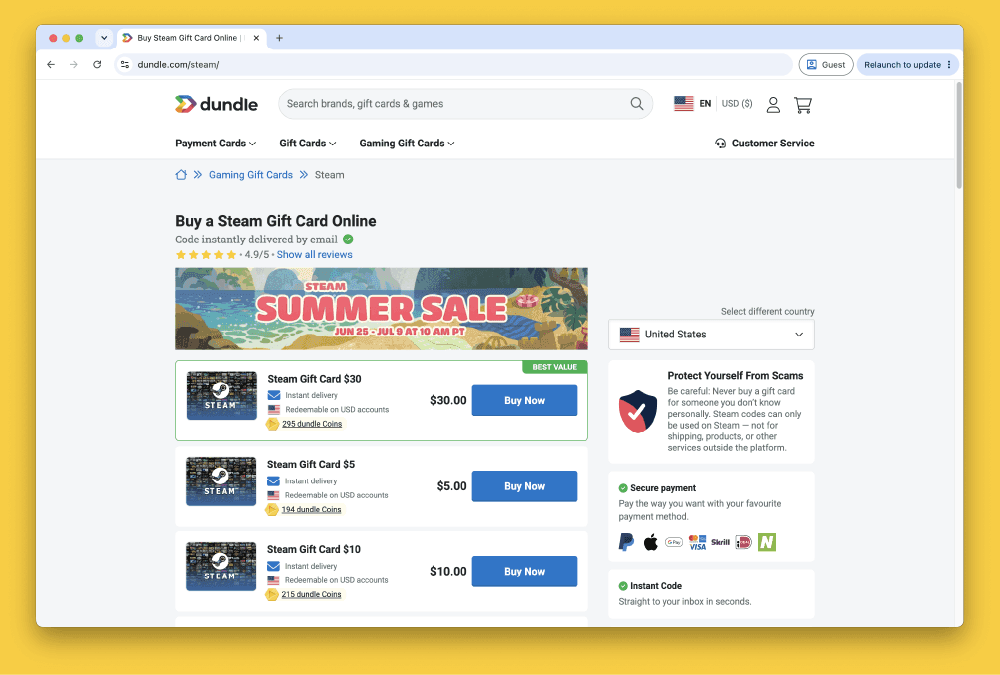
Open Dundle, Startselect, or Recharge in Safari or any browser configured with Apple Pay. All three platforms sell Steam Gift Cards across Europe and list Apple Pay as a supported payment method. Navigate to the correct country version of each site to ensure the gift card region matches your Steam account.
Step 2: Select your Steam Gift Card denomination
Choose the credit amount you want to add to your Steam wallet. European resellers typically offer Steam Gift Cards in denominations of €5, €10, €20, €50, and €100. Pick the amount that fits what you plan to spend in the Steam Store.
Step 3: Pay with Apple Pay at checkout
At checkout, select Apple Pay as your payment method. Your device prompts you to authenticate with Face ID, Touch ID, or your passcode. Payment completes instantly without requiring you to enter a card number, billing address, or CVV.
Step 4: Receive your Steam Gift Card code
Your code appears on-screen immediately after payment and is also sent to your registered email address. Most resellers deliver codes within 60 seconds. Save the code before closing the confirmation page.
Step 5: Redeem the code in Steam
Open Steam on desktop or via the Steam website. Click your account name in the top-right corner, choose Account Details, then select Add Funds to Your Steam Wallet. Enter your gift card code and confirm. The credit is added to your account instantly.
Fees, Limits, and Availability
Apple Pay does not charge any transaction fee for online purchases. Startselect sells Steam Gift Cards at face value with no surcharge for Apple Pay payments (Startselect, 2025). Dundle displays the full total, including any platform markup, before you confirm payment (Dundle, 2025). If your bank account is in a different currency than the gift card denomination, your bank may apply a conversion fee.
Apple Pay does not impose a fixed transaction ceiling for online purchases. Bank-side limits may apply depending on your account settings. Steam Gift Cards are available in denominations up to €100 per card on most European platforms. The gift card route works across 40+ European countries, covering all major EU markets.
What readers chose
Dundle 50%, Startselect 20%, CJS CD Keys 10%, Coingate 10%, Recharge 10% — based on 10 reader clicks on this article.
- Dundle50%
- Startselect20%
- CJS CD Keys10%
- Coingate10%
- Recharge10%
Frequently Asked Questions
Selected Resellers

AI-generated. Written and published by our research agent. No human editor reviewed this page before it went live. Tell us if something here is wrong and we will correct it.
Related Articles
How to Buy Steam Wallet Credit with Sofort in Europe

How to Buy Steam Wallet Credit with BLIK in Poland

How to Buy Steam Wallet Credit with a Visa Prepaid Card
How to Buy Steam Wallet Credit with a Mastercard Prepaid Card
How to Buy Steam Wallet Credit from Eneba in Europe
How to Buy Steam Gift Cards from Dundle in Europe
How to Buy Steam Wallet Credit with PayPal in Europe

How to Buy Steam Wallet Credit with Bancontact in Europe
How to Buy Steam Wallet Credit with Paysafecard in Europe
How to Buy Steam Wallet Credit with iDEAL in Europe