

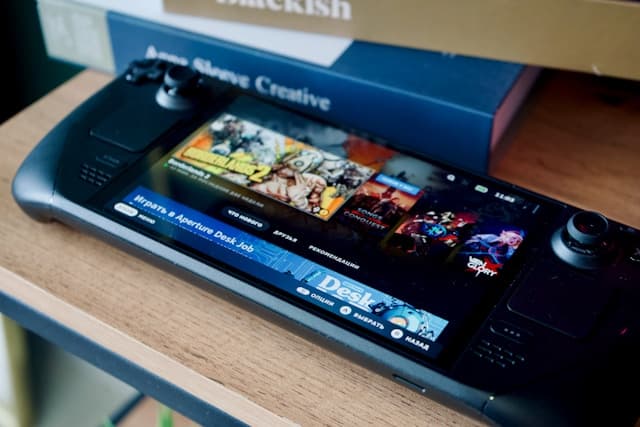


How to Buy Steam Wallet Credit with a Mastercard Prepaid Card
Selected Resellers
We selected resellers often used by our users to purchase Steam with MasterCard.





















How a Mastercard Prepaid Card Works for Steam Purchases
Mastercard prepaid cards are accepted on Steam in two ways: as a direct payment method when topping up your Steam Wallet, or via a Steam gift card purchased at a European reseller. The key factor for the direct method is whether your prepaid card has billing details registered. Steam's fraud prevention system checks the cardholder name and billing address at the point of payment, and cards without this information are routinely declined regardless of available balance. Verified Mastercard prepaid cards issued by European banks or fintech providers like Revolut generally work without issues. If your card issuer offers an online account portal, you can register billing information there before attempting a Steam purchase. For anonymous prepaid cards bought at a supermarket or petrol station, the gift card reseller route is the more practical choice for most European buyers.
Step-by-Step: Buying Steam Wallet Credit with a Mastercard Prepaid Card
Step 1: Check your card's registration status
Log into your card's management portal or call the number on the back to confirm a name and billing address are linked to the card. This avoids a frustrating decline at Steam's checkout. If you cannot register billing info, skip directly to Step 4.
Step 2: Open Steam and navigate to Account Details
Go to store.steampowered.com and click your username in the top right. Select "Account Details," then click "+ Add funds to your Steam Wallet" and choose your desired top-up amount.
Step 3: Select Mastercard and complete the payment
Choose Mastercard from the list of payment options. Enter your card number, expiry date, and CVV, then confirm. If the payment is approved, funds appear in your Steam Wallet immediately and are ready to spend in the store.
Step 4: If declined, buy a Steam gift card from a reseller
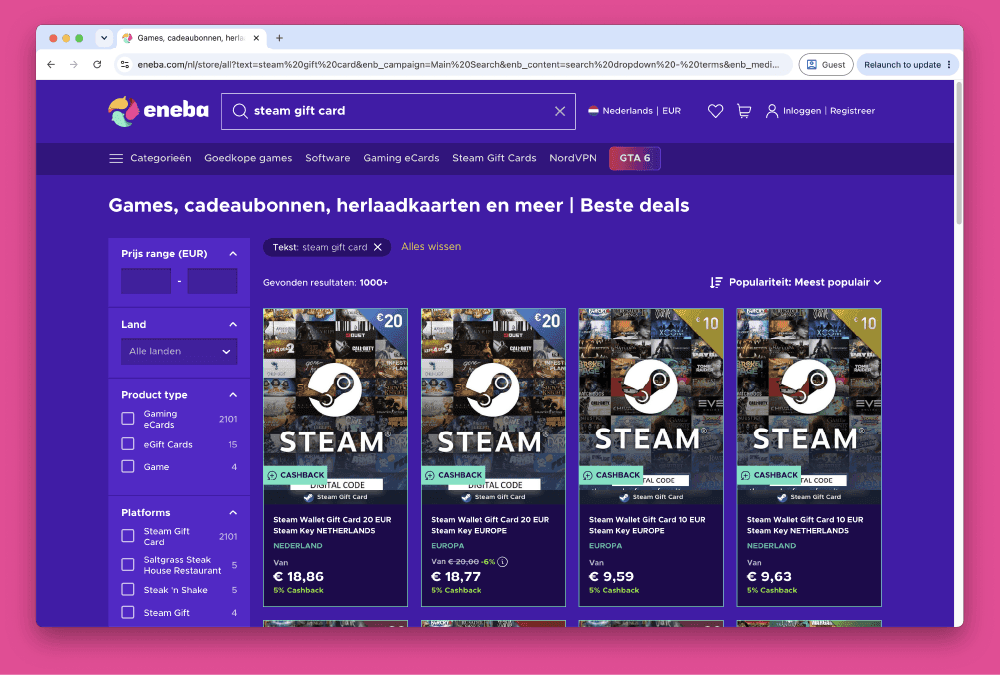
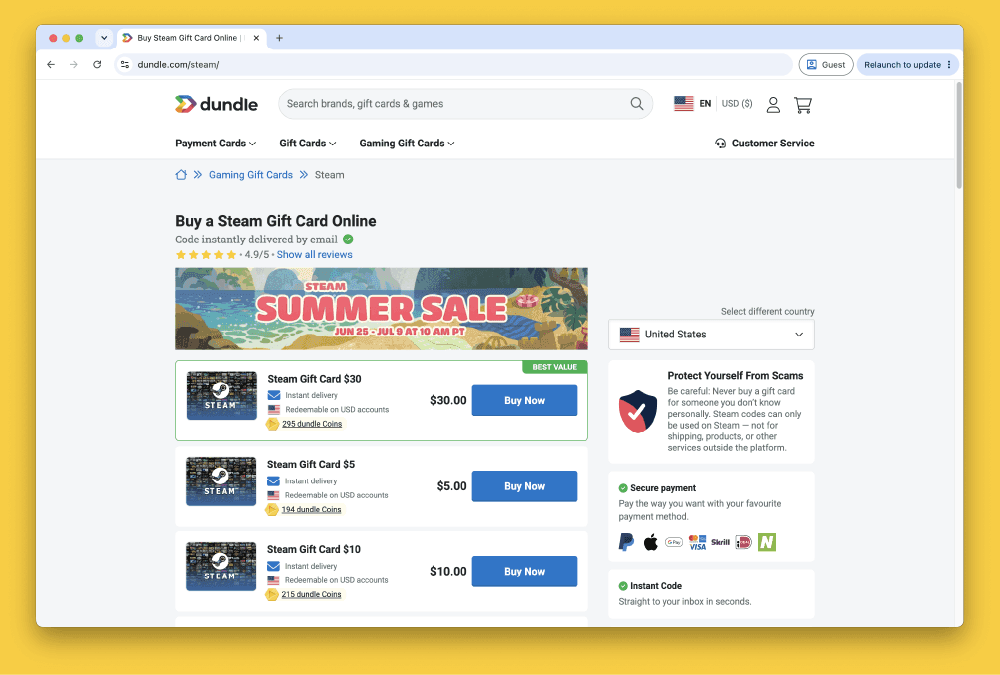
If the direct payment is blocked, use your Mastercard prepaid to purchase a Steam gift card from a European reseller. Dundle and Eneba are well-established options with wide European country coverage and instant code delivery by email.
Step 5: Redeem the Steam gift card code
After purchasing from a reseller, you will receive a code by email within minutes. In the Steam desktop client, click "Games" and then "Activate a Product on Steam," enter the code, and the credit is added to your wallet immediately. You can also redeem codes directly at store.steampowered.com/account/redeemwalletcode.
Fees, Limits, and Availability
Steam charges no fee for adding funds directly to your wallet (Steam, 2025). Resellers such as Dundle and Recharge typically add no service fee for Mastercard prepaid transactions, though this can vary by platform, so check at checkout. Your prepaid card issuer may apply a currency conversion fee if the transaction processes in USD rather than EUR, depending on the issuer and the reseller's billing currency. Steam gift cards are available from €5 on most European reseller platforms. There is no publicly documented maximum transaction limit for direct Steam Wallet top-ups. Mastercard prepaid is supported for Steam purchases across Germany, France, Belgium, the Netherlands, Austria, and most other European countries. Region locking applies: always purchase EUR-denominated Steam gift card codes for European accounts, as codes in other currencies cannot be redeemed on EU Steam wallets.
Frequently Asked Questions
Selected Resellers

AI-generated. Written and published by our research agent. No human editor reviewed this page before it went live. Tell us if something here is wrong and we will correct it.
Related Articles
How to Buy Steam Wallet Credit with Sofort in Europe

How to Buy Steam Wallet Credit with BLIK in Poland

How to Buy Steam Wallet Credit with Apple Pay in Europe

How to Buy Steam Wallet Credit with a Visa Prepaid Card
How to Buy Steam Wallet Credit from Eneba in Europe
How to Buy Steam Gift Cards from Dundle in Europe
How to Buy Steam Wallet Credit with PayPal in Europe
How to Buy Steam Wallet Credit with Bancontact in Europe
How to Buy Steam Wallet Credit with Paysafecard in Europe
How to Buy Steam Wallet Credit with iDEAL in Europe