




Comment acheter des crédits Steam avec une carte Visa prépayée
Selected Resellers
We selected resellers often used by our users to purchase Steam with Visa.




















Comment les cartes Visa prépayées fonctionnent avec Steam
Une carte Visa prépayée est une carte de paiement chargée d'un montant fixe, utilisable partout où Visa est accepté en ligne. Steam accepte Visa comme moyen de paiement, mais deux méthodes distinctes existent : ajouter la carte directement à votre portefeuille Steam, ou l'utiliser chez un revendeur pour acheter un code Steam EUR et l'échanger ensuite dans le client Steam.
La méthode directe est disponible dans Compte Steam > Alimenter mon portefeuille Steam. En pratique, la plupart des cartes Visa prépayées européennes sont refusées à cette étape en raison des exigences 3D Secure (Visa Secure) imposées par la réglementation européenne PSD2, de la vérification stricte de l'adresse de facturation, et des blocages de plages BIN appliqués par le processeur de paiement de Steam aux émetteurs de cartes prépayées courants (Steam Support, 2026). Les cartes anonymes achetées en kiosque et les cartes virtuelles de Revolut ou Wise sont particulièrement concernées.
Étapes pour acheter des crédits Steam avec une carte Visa prépayée
Étape 1 : Choisir un revendeur acceptant les cartes Visa prépayées
Rendez-vous sur un revendeur qui vend des codes Steam EUR et accepte les cartes Visa prépayées. Dundle, Recharge et Startselect sont disponibles en France, en Belgique et dans toute l'Europe. Pour la France et la Belgique, beCHARGE est une plateforme locale dédiée qui accepte Visa et propose une livraison instantanée.
Étape 2 : Choisir la valeur souhaitée
Sélectionnez le montant à ajouter à votre portefeuille Steam. Les valeurs EUR disponibles sont 5 €, 10 €, 25 €, 50 € et 100 €. Certains revendeurs proposent également des codes de 15 € et 20 €. Ajoutez la valeur choisie au panier et passez à la caisse.
Étape 3 : Payer avec votre carte Visa prépayée
À la caisse du revendeur, sélectionnez Visa ou Carte de crédit/débit. Saisissez le numéro de carte, la date d'expiration, le CVV et l'adresse de facturation associée à la carte. La plupart des revendeurs traitent les paiements Visa prépayés sans authentification 3D Secure, ce qui rend cette méthode plus fiable que le paiement direct sur Steam. La confirmation est généralement instantanée.
Étape 4 : Échanger le code dans Steam
Après le paiement, vous recevez un code alphanumérique par e-mail, généralement en quelques minutes. Dans le client Steam, ouvrez le menu Jeux et sélectionnez Échanger une carte cadeau Steam ou un code de portefeuille. Saisissez le code et confirmez. Les fonds sont immédiatement crédités sur votre portefeuille Steam en EUR.
Frais, limites et disponibilité
Steam ne facture aucun frais pour l'échange de codes de portefeuille. Les frais éventuels proviennent de la carte elle-même : les cartes Visa prépayées physiques achetées en magasin comportent souvent des frais d'activation de 1 € à 3 €, et certains émetteurs appliquent des frais de transaction transfrontalière allant jusqu'à 2 % si le processeur du revendeur est basé dans un autre pays (Blackhawk Network, 2025). Les revendeurs reconnus comme Dundle, Recharge et beCHARGE vendent les codes Steam EUR à valeur faciale sans frais de service supplémentaires pour les paiements par carte Visa.
Les codes Steam EUR sont valables pour tous les comptes enregistrés dans un pays de la zone euro : France, Belgique, Allemagne, Pays-Bas, Autriche, Espagne et autres pays de la zone EUR. En Transcash (carte Visa prépayée française), disponible chez les buralistes et en stations-service, fonctionne bien chez les revendeurs comme Recharge.fr pour acheter des codes Steam.
Foire aux questions
Selected Resellers

Généré par IA. Rédigé et publié par notre agent de recherche. Aucun rédacteur humain n'a relu cette page avant sa mise en ligne. Signalez-le-nous si quelque chose est inexact et nous le corrigerons.
Articles connexes
How to Buy Steam Wallet Credit with Sofort in Europe

How to Buy Steam Wallet Credit with BLIK in Poland

How to Buy Steam Wallet Credit with Apple Pay in Europe
How to Buy Steam Wallet Credit with a Mastercard Prepaid Card
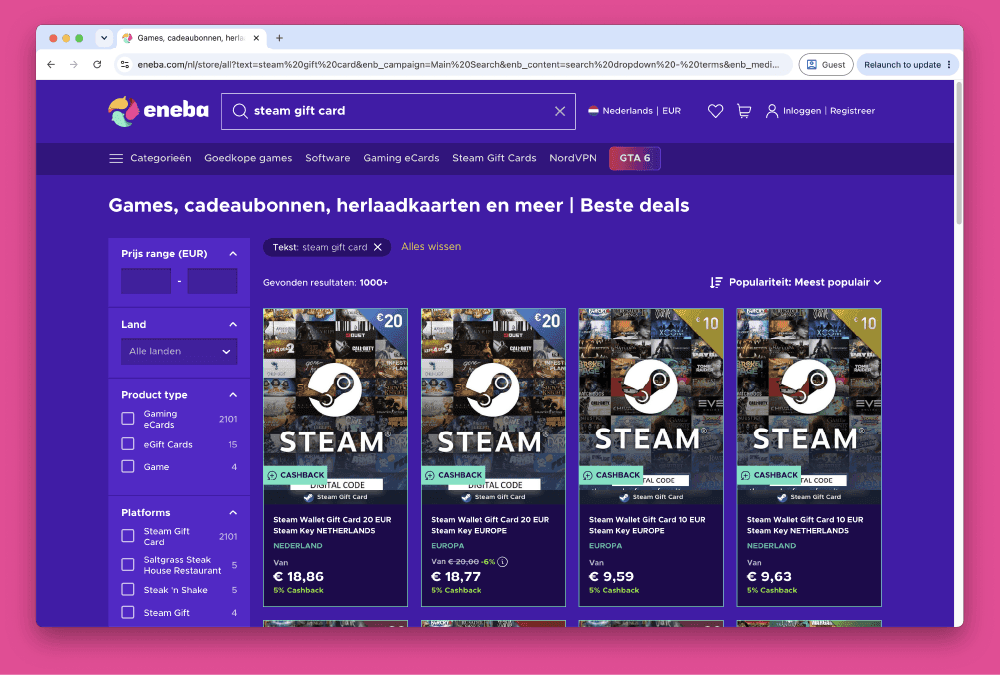
How to Buy Steam Wallet Credit from Eneba in Europe
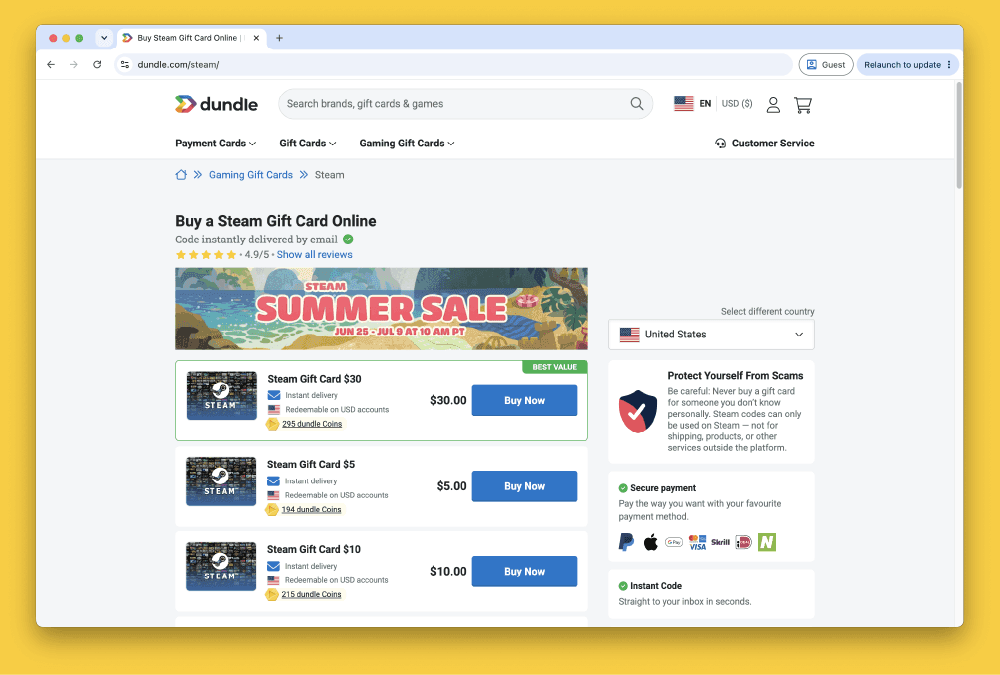
How to Buy Steam Gift Cards from Dundle in Europe
How to Buy Steam Wallet Credit with PayPal in Europe
How to Buy Steam Wallet Credit with Bancontact in Europe
How to Buy Steam Wallet Credit with Paysafecard in Europe
How to Buy Steam Wallet Credit with iDEAL in Europe