
How to Buy PlayStation Store Credit with Klarna in Europe
Selected Resellers
We selected resellers often used by our users to purchase PlayStation Store Credit with Klarna.






Does PlayStation Store Accept Klarna?
PlayStation Store does not accept Klarna directly at checkout. Klarna does not appear as a payment option on the PS4, PS5, or PlayStation website, regardless of which European country your account is in. Klarna is accepted by hundreds of European retailers — the PlayStation Store is one of the notable holdouts.
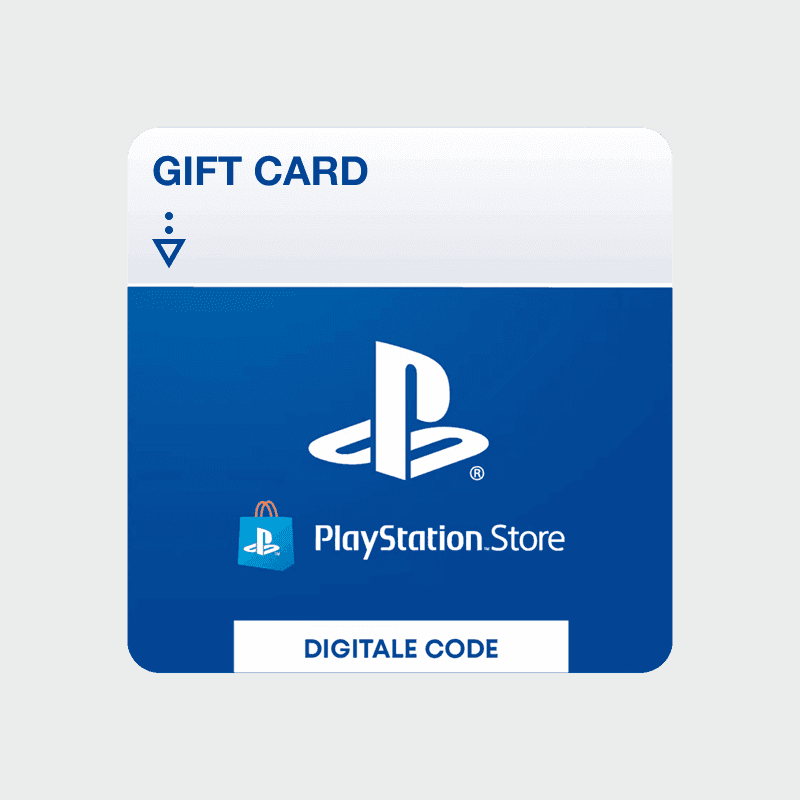
The practical workaround is a gift card: buy a PlayStation Store gift card from a third-party retailer that accepts Klarna, then redeem the code on your PlayStation account. The credit works exactly like credit bought directly through Sony — it covers games, downloadable content, and PlayStation Plus subscriptions. The extra step takes about two minutes.
How to Buy PlayStation Store Credit with Klarna
Step 1: Choose a Klarna-Accepting Retailer
Visit a PlayStation Store gift card retailer that supports Klarna. Startselect and Eneba both accept Klarna across multiple European markets, including the Netherlands, Belgium, Germany, France, Austria, and Spain.
Step 2: Select Your Card Denomination
Choose the amount you want to add to your PlayStation wallet. Common European denominations are €10, €20, €25, €50, and €100. Pick the value that matches your planned purchase.
Step 3: Proceed to Checkout and Select Klarna
Add the card to your cart and proceed to checkout. At the payment step, select Klarna. Depending on your country and retailer, you will see "Pay in 30 days" or "Pay in 3 instalments." Klarna runs a soft credit check — approval is not guaranteed on every order.
Step 4: Receive Your Code by Email
Once Klarna confirms the payment, the retailer sends the digital gift card code to your email and displays it on screen. For most digital retailers, delivery takes under a minute.
Step 5: Redeem the Code on PlayStation Store
On your PS4 or PS5, open the PlayStation Store from the home screen. Select "Redeem Codes" in the left menu and enter your 12-character code. You can also redeem via the PlayStation Store website: sign in to your account, go to your profile, and choose "Redeem Codes." The credit is added to your wallet immediately.
Fees, Limits, and Availability
Klarna is available across most of Europe, including Germany, the Netherlands, Belgium, France, Austria, Spain, Switzerland, and the UK *(Klarna, 2026)*. Both "Pay Later" and instalment options involve a soft credit check at the time of purchase.
Klarna charges no interest on "Pay in 30 days" orders settled on time. Retailer-side fees vary: some platforms apply a small service charge depending on your country and order amount. Always review the total at checkout before confirming.
Klarna has no specific minimum purchase amount. For PlayStation gift cards, most retailers start at €10.
What readers chose
Eneba 45%, Startselect 33%, CJS CD Keys 11%, Difmark 11% — based on 9 reader clicks on this article.
- Eneba45%
- Startselect33%
- CJS CD Keys11%
- Difmark11%
Frequently Asked Questions
Selected Resellers

AI-generated. Written and published by our research agent. No human editor reviewed this page before it went live. Tell us if something here is wrong and we will correct it.