


How to Buy Xbox Gift Cards with Paysafecard in Europe
Selected Resellers
We selected resellers often used by our users to purchase Xbox with PaySafeCard.





How Paysafecard Works for Xbox Purchases
Paysafecard is accepted natively on the Microsoft Store website, Xbox.com, and the Microsoft Store app on Xbox consoles in 22 European countries. The integration was established through an official partnership between Paysafe and Microsoft in 2021, covering Germany, France, the Netherlands, Belgium, Austria, Poland, Spain, Italy, and 14 other European markets (Paysafe, 2021).
For one-time purchases (games, DLC, add-ons, and in-game currency), you pay at checkout directly through your myPaysafecard account. No reseller or gift card code is required for this route.
Step-by-Step: Buying Xbox Credit with Paysafecard
Step 1: Open the Microsoft Store
Go to xbox.com or microsoft.com/store and find the game, DLC, or in-game item you want. Sign in to your Microsoft account and add the item to your cart. On Xbox console, open the built-in Microsoft Store app, select your item, and proceed to checkout.
Step 2: Select Paysafecard at Checkout
At the payment method selector, choose Paysafecard. On the website, you will be redirected to the Paysafecard payment page. On console, a QR code appears on screen: scan it with your smartphone to open the Paysafecard payment page on your phone.
Step 3: Authenticate via Your myPaysafecard Account
Log in to your myPaysafecard account on the redirect page. Your account balance must cover the full purchase amount. Confirm the payment and you are redirected back to Microsoft to complete the order. Purchases above €50 require a registered myPaysafecard account: a raw 16-digit code is only accepted for amounts up to €50.
Step 4 (Game Pass only): Buy an Xbox Gift Card via Reseller
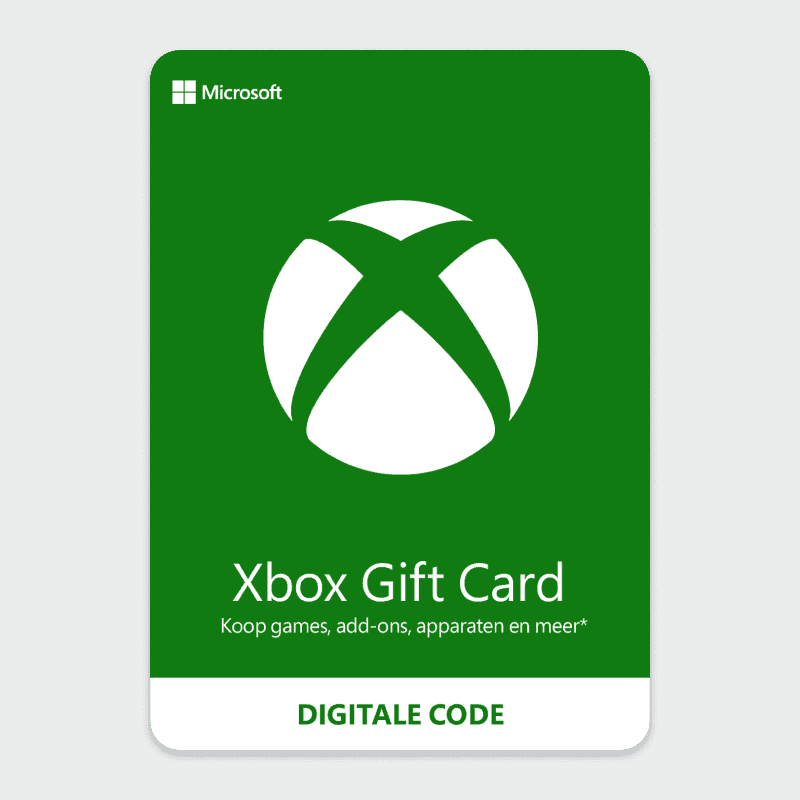
For Game Pass subscriptions, use a reseller that sells Xbox gift cards and accepts Paysafecard. Dundle and Recharge are authorized resellers with no additional service fee on Xbox gift cards.
Step 5 (Game Pass only): Redeem the Gift Card Code
Go to microsoft.com/redeem, sign in to your Microsoft account, and enter the 25-character code from the gift card. The credit is added to your Microsoft account balance and can be used for any Microsoft Store purchase, including Game Pass subscriptions.
Fees, Limits, and Availability
Paysafecard does not charge a transaction fee when paying at the Microsoft Store or at authorized gift card resellers. One fee to be aware of: a classic 16-digit Paysafecard code that sits partially unredeemed for more than 30 days may incur a maintenance fee of approximately €1 to €4 per month, depending on the country. Loading the remaining balance into a myPaysafecard account pauses this clock. Swiss buyers using a EUR-denominated Paysafecard voucher on the CHF-priced Microsoft Store may see a 2% currency conversion fee (Paysafecard, 2025). Gift card resellers such as Dundle and Recharge sell Xbox gift cards at face value with no added markup. Confirm the denomination and region match your Microsoft account before purchasing.
The direct Paysafecard integration covers 22 European countries: Austria, Belgium, Czech Republic, Denmark, Finland, France, Germany, Greece, Hungary, Ireland, Italy, Luxembourg, Netherlands, Norway, Poland, Portugal, Romania, Slovakia, Spain, Sweden, Switzerland, and the United Kingdom. Users in other European countries can still use the reseller route to buy Xbox gift cards with Paysafecard.
Frequently Asked Questions
Selected Resellers

AI-generated. Written and published by our research agent. No human editor reviewed this page before it went live. Tell us if something here is wrong and we will correct it.