
How to Pay for Your Hotel on Booking.com with Klarna
Selected Resellers
We selected resellers often used by our users to purchase Hotel Gift Cards with Klarna.

How Klarna Works for Booking.com Payments
Klarna is available as a payment method directly on Booking.com across most European markets, including Germany, France, the Netherlands, Belgium, and Austria. It works at the online checkout: after choosing a property and proceeding to payment, Booking.com presents Klarna alongside credit cards, PayPal, and iDEAL. You are briefly redirected to Klarna to authorize the transaction, then returned to Booking.com where your booking confirmation is issued.
Two payment plans are typically offered. Pay in 3 splits the total into three equal, interest-free installments: the first is charged at booking, the second after 30 days, and the third after 60 days. Pay in 30 Days lets you complete the booking now and settle the full amount within 30 days, interest-free, giving you time to confirm your travel plans before the payment clears.
Step-by-Step: Booking a Hotel on Booking.com with Klarna
Step 1: Search and filter for online-payment listings
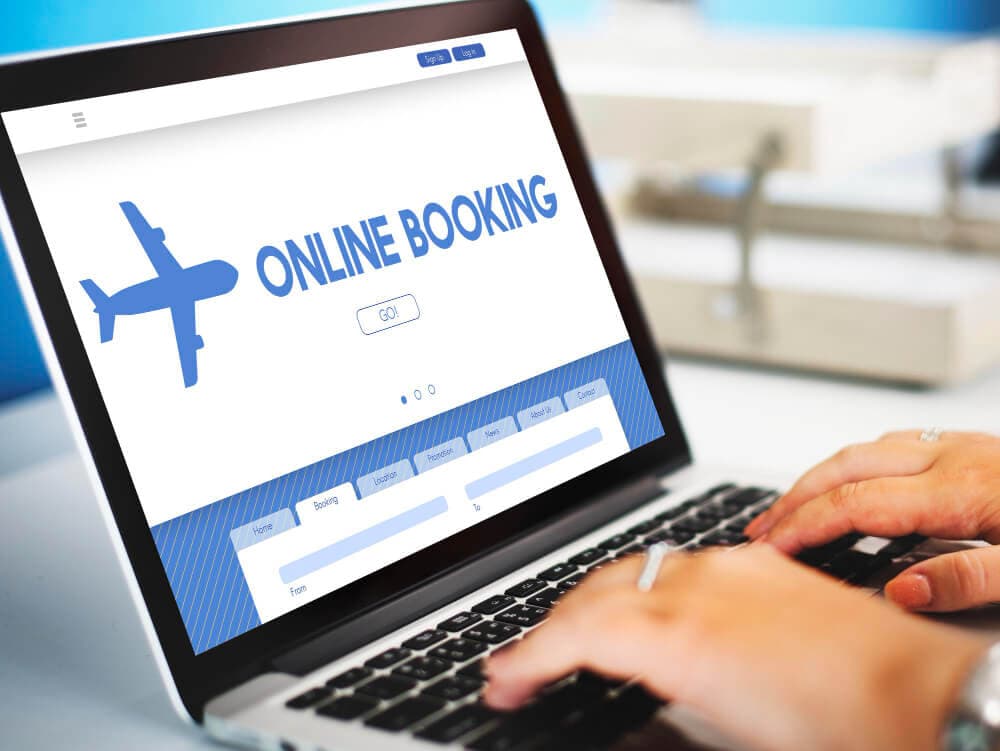
Go to Booking.com, enter your destination and dates, and search. Look for listings where payment is collected by Booking.com rather than at the property. You can identify these by the payment label on the listing. These are the bookings where Klarna will appear at checkout.
Step 2: Choose your room and proceed to checkout
Select the room type and rate you want, then continue to the booking details page. Enter your name, email address, and any arrival preferences.
Step 3: Select Klarna from the payment options
On the payment screen, choose Klarna. Booking.com displays the Klarna plans available for your booking total and country: typically Pay in 3 installments and Pay in 30 Days. Select your preferred plan. Klarna performs a soft credit check during this step, which does not affect your credit score.
Step 4: Authorize the payment in the Klarna flow
Booking.com redirects you to Klarna to verify your details and approve the transaction. If this is your first time using Klarna, you will need to create an account using your email address. The authorization takes under a minute for returning users. Once confirmed, you are returned to Booking.com automatically.
Step 5: Receive your booking confirmation
Booking.com sends a confirmation email once Klarna approves the payment. Your reservation is active, and Klarna manages the remaining payments on the agreed schedule.
Fees, Limits, and Availability
Klarna's installment plans are interest-free for consumers in Europe: the merchant absorbs the cost, not the buyer. If you use Pay in 30 Days and miss the deadline, Klarna may charge a late fee, so set a reminder or enable automatic payment in the Klarna app (Klarna, 2026). There is no additional fee from Booking.com for using Klarna beyond the booking price shown at checkout.
Klarna is available on Booking.com in Germany, Austria, France, Belgium, the Netherlands, Switzerland, and the UK, among other European markets. Minimum booking totals for the installment option vary by country. If Klarna does not appear at checkout, the listing is likely set to pay-at-property, or your booking total may be below the threshold for installments in your country. Switching to an online-payment listing typically resolves the issue.
If you prefer a different booking platform, Expedia and Hotels.com also accept Klarna in several European markets.
Frequently Asked Questions
Selected Resellers

AI-generated. Written and published by our research agent. No human editor reviewed this page before it went live. Tell us if something here is wrong and we will correct it.