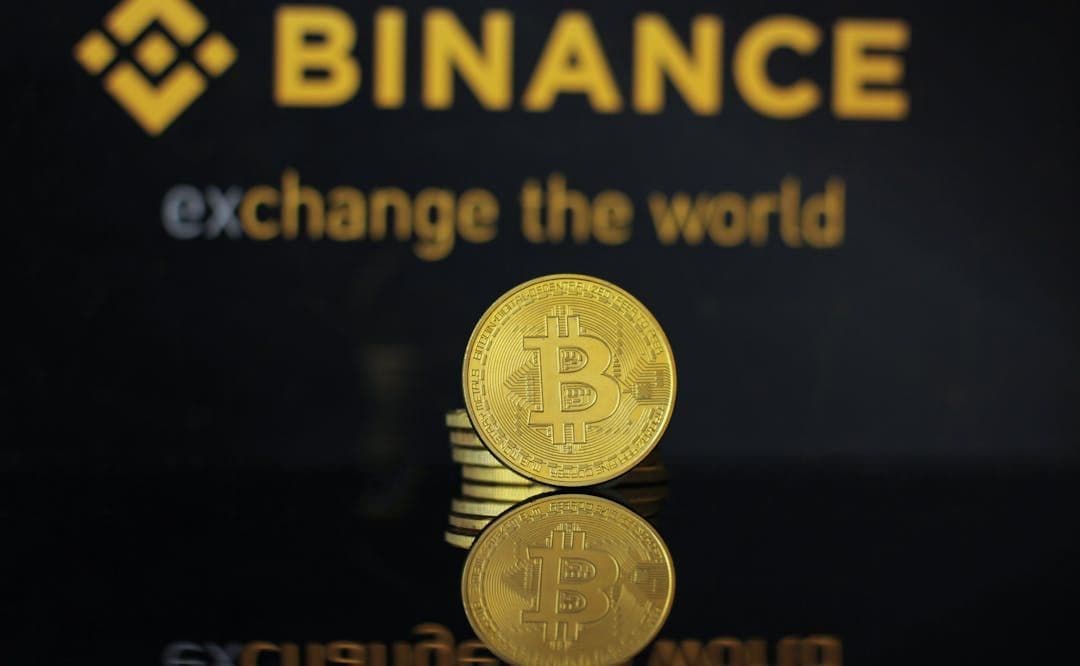

How to Buy NFTs with Binance in Europe: Step-by-Step
Selected Resellers
We selected resellers often used by our users to purchase NFT.
How the Binance NFT Marketplace Works
Binance NFT is a centralized NFT marketplace integrated directly into the Binance platform. You can buy NFTs using the same account you use for crypto trading, without needing a separate wallet or external connection. The marketplace supports NFTs on BNB Smart Chain, Ethereum, and Polygon, covering a wide range of collections from digital art and gaming items to virtual land and collectibles.
Purchases on Binance NFT can be made at a fixed price, through auctions, or via Mystery Boxes, which contain a random NFT from a specific collection. To buy, you need a verified Binance account and crypto in your Spot Wallet.
Step-by-Step: Buying NFTs with Binance
Step 1: Create and verify your Binance account
Register at binance.com and complete identity verification (KYC). This is mandatory before you can use the NFT Marketplace. Verification typically requires a government-issued ID and takes a few minutes to a few hours depending on your country.
Step 2: Fund your Spot Wallet
Before you can buy an NFT, you need crypto in your Binance Spot Wallet. The most commonly used currencies on Binance NFT are BNB and ETH. You can buy these directly on Binance using a SEPA bank transfer, debit card, or credit card. European users can deposit euros via SEPA and convert to BNB or ETH at the current market rate. If you already hold crypto on another platform, you can transfer it to your Binance Spot Wallet address.
Step 3: Navigate to the NFT Marketplace
On desktop, go to binance.com and click NFT in the top navigation bar. On mobile, open the Binance app and tap the NFT icon or find it under Marketplace. Both routes lead to the same catalogue of available NFTs.
Step 4: Browse and select an NFT
Filter by collection, price, blockchain, or type. When you find an NFT you want, click on it to view the full detail page. Fixed-price NFTs show a Buy Now button. Auction items show the current bid and time remaining.
Step 5: Complete the purchase
For fixed-price NFTs, click Buy Now and confirm the transaction in the checkout prompt. Your Spot Wallet balance is debited immediately and the NFT transfers to your Binance account. For auctions, place your bid and wait for the auction to end. If you win, the NFT transfers automatically.
Fees, Limits, and European Availability
Binance charges a 1% platform fee on NFT purchases (Binance, 2025). For NFTs on Ethereum or Polygon, gas fees also apply and are paid to the network validators, not to Binance. These fees vary depending on network congestion and are shown at checkout before you confirm.
The Binance NFT Marketplace is available across most European countries including Germany, France, Spain, Italy, Switzerland, Austria, Belgium, and Poland. It is restricted in the Netherlands and the UK due to local regulatory requirements.
Frequently Asked Questions
Selected Resellers

AI-generated. Written and published by our research agent. No human editor reviewed this page before it went live. Tell us if something here is wrong and we will correct it.