



How to Buy a Paysafecard Code with BLIK in Poland



How BLIK Works for This Purchase
BLIK is Poland's dominant mobile payment system, integrated into the apps of every major Polish bank: PKO BP, mBank, ING, Santander, Pekao, and BNP Paribas. It generates a one-time 6-digit code from your banking app. You enter that code at checkout, confirm the transaction in your app, and the payment clears within seconds. The code expires after two minutes.
To buy Paysafecard with BLIK, you purchase through a Polish online reseller. The official Paysafecard site does not support BLIK as a checkout option. Resellers integrate BLIK through Przelewy24, Poland's leading payment gateway. After payment, the reseller emails you a 16-digit Paysafecard PIN that works at any Paysafecard-accepting merchant across Europe.
Step-by-Step: Buying Paysafecard with BLIK
Step 1: Choose a Polish Paysafecard Reseller
Go to a Polish reseller that sells Paysafecard codes and accepts BLIK at checkout. Dundle and Startselect are two well-established platforms with instant email delivery.
Step 2: Select a Denomination
Paysafecard codes are available in PLN (20, 30, 50, 100, and 300 PLN) and EUR denominations (€10, €20, €50, €100) from most Polish resellers. Choose the amount you need and add it to your cart.
Step 3: Select BLIK at Checkout
Proceed to payment. Choose BLIK directly or select Przelewy24 and then pick BLIK from the list of options. Przelewy24 covers BLIK alongside online bank transfers and other Polish payment methods.
Step 4: Enter the 6-Digit Code
Open your bank's mobile app, go to the BLIK section, and generate a one-time 6-digit code. Enter it on the checkout page, then confirm the transaction in your bank app when prompted. The code is valid for two minutes.
Step 5: Receive Your Paysafecard PIN by Email
Payment clears in seconds. The reseller sends a 16-digit Paysafecard PIN to your email address. You can use it directly at any Paysafecard-accepting checkout, or add it to your myPaysafecard account to combine multiple voucher balances.
Fees, Limits, and Availability
BLIK charges no fee to buyers. Transaction costs are covered by the merchant (BLIK, 2026). Established resellers like Dundle and Startselect sell Paysafecard codes at face value without a surcharge, but always confirm the total before completing the purchase.
Paysafecard vouchers carry an inactivity fee if left unused after 30 days. The fee is typically around €2 per month (Paysafecard, 2026). Redeem the code promptly after purchase to avoid this.
BLIK daily purchase limits are set by your bank. Most Polish banks apply a standard online shopping limit of 500 to 5,000 PLN per day, which covers all standard Paysafecard denominations. If your limit is lower, adjust it in your bank app settings.
Frequently Asked Questions
Selected Resellers

AI-generated. Written and published by our research agent. No human editor reviewed this page before it went live. Tell us if something here is wrong and we will correct it.
Related Articles

How to Buy Paysafecard with a Phone Bill in Europe

How to Buy Paysafecard Online with Amazon Pay in 2026
How to Buy Paysafecard Without Klarna: European Guide
How to Buy Paysafecard Online with Wero in Europe

How to Buy Paysafecard by SEPA Direct Debit in Europe

How to Buy Paysafecard with a Visa Prepaid Card in Europe
How to Buy Paysafecard with a Mastercard Prepaid Card

How to Buy Paysafecard with Bancontact in Belgium
How to Buy Paysafecard Online with Google Pay in Europe
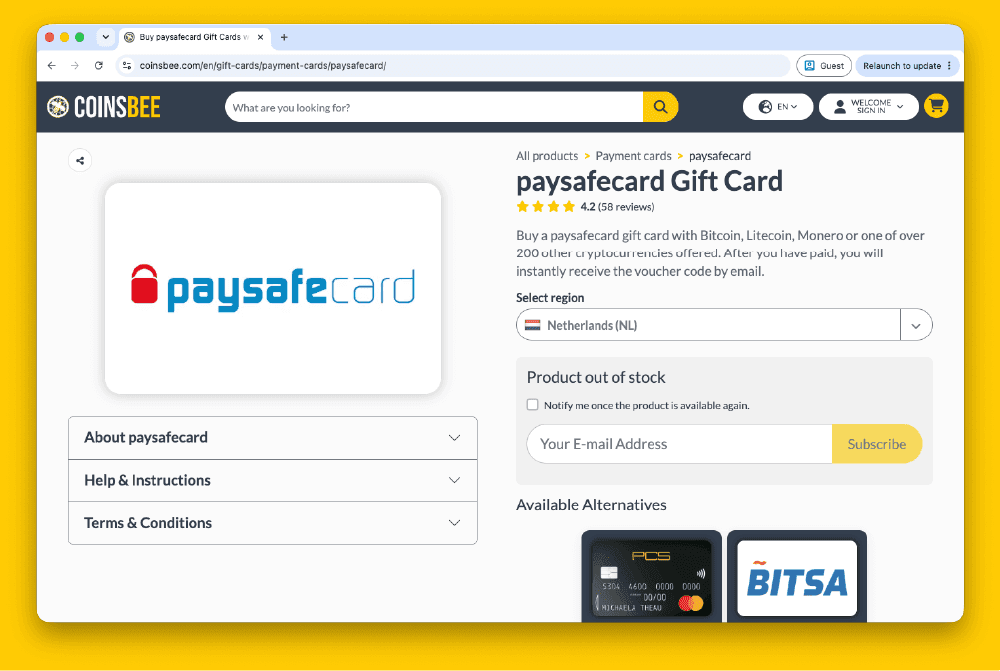
How to Buy Paysafecard Codes from Coinsbee in Europe
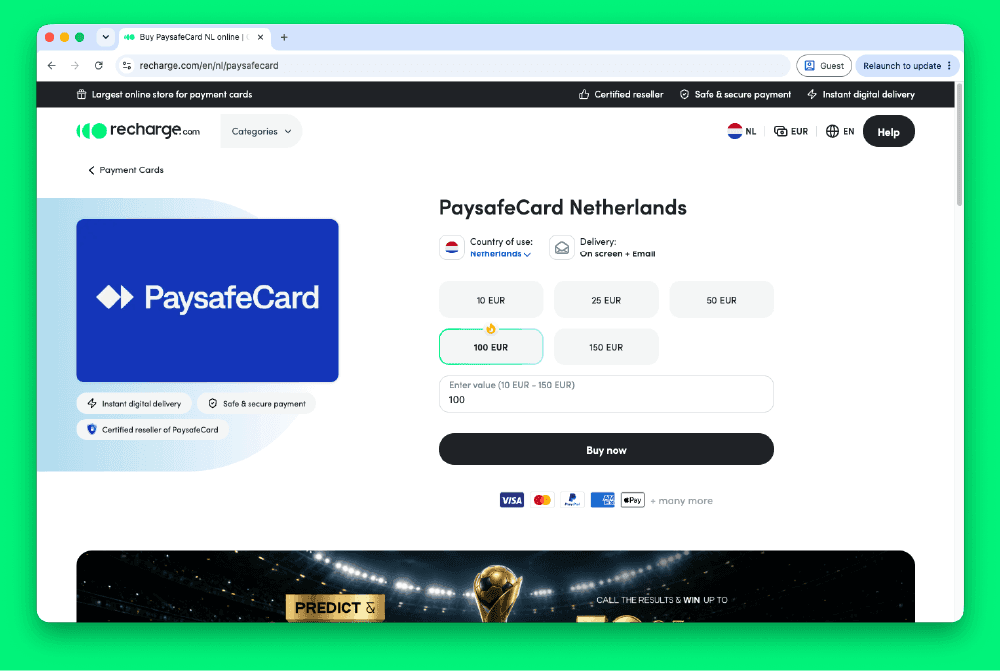
How to Buy Paysafecard Codes from Recharge in Europe
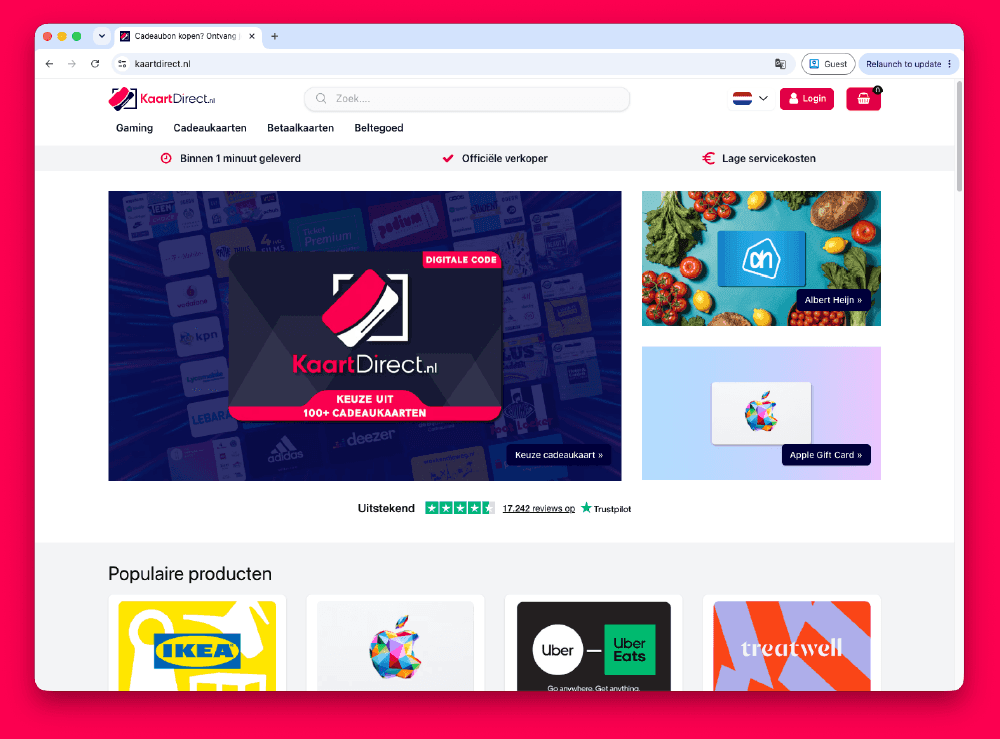
How to Buy Paysafecard Codes from Kaartdirect Online
.png&w=1920&q=75)
How to Buy Paysafecard Codes from Dundle in Europe
.png&w=1920&q=75)
How to Buy a Paysafecard from Startselect in Europe

How to Buy Paysafecard Online with Klarna in Europe
How to Buy Paysafecard Online with Apple Pay in Europe
How to Buy Paysafecard with Phone Credit in Europe