

.png&w=1920&q=75)

How to Buy Paysafecard Codes from Dundle in Europe





How Dundle Works for Buying Paysafecard
Dundle sells Paysafecard codes as an authorized reseller, delivering the 16-digit PIN by email immediately after purchase. You are not buying directly from Paysafecard: Dundle acts as the distributor, which means you pay using one of its 20+ accepted payment methods and the Paysafecard PIN is generated and sent to your inbox within seconds.
This makes Dundle useful for buyers who prefer local European payment methods like iDEAL, Bancontact, or Klarna, which are not always accepted directly at paysafecard.com. The platform operates in 54 countries and has run since 2012, incorporated in the Netherlands as Korsit B.V. It holds a Trustpilot score of 3.8/5 based on approximately 75,851 reviews (Trustpilot, June 2026). Most positive feedback cites fast delivery; some users note occasional security verification delays of one to two business days.
Step-by-Step: Buying Paysafecard on Dundle
Step 1: Go to dundle.com and set your country
Open dundle.com and use the country selector to choose your region. This determines which Paysafecard codes are shown and ensures the PIN you receive is valid for your country.
Step 2: Find Paysafecard and choose a denomination
Navigate to the Payment Cards section or use the search bar. Standard European denominations range from €10 to €100. Swiss customers can purchase CHF-denominated codes (e.g. CHF 25 to CHF 150).
Step 3: Add to cart and proceed to checkout
Click the denomination to add it to the cart, then select Checkout. No Dundle account is required to complete a purchase.
Step 4: Enter your email address
Provide the email address where you want the Paysafecard PIN delivered. Check it carefully before proceeding.
Step 5: Select a payment method and confirm
Dundle accepts a wide range of methods for European buyers: PayPal, Apple Pay, Google Pay, Visa, Mastercard, iDEAL (Netherlands), Bancontact (Belgium), Klarna, Sofort, EPS (Austria), and phone credit via Daopay. Select your preferred method, complete authentication, and confirm the transaction.
Step 6: Copy your PIN and use it
Your Paysafecard code appears on screen immediately after payment and is also sent to your email. Enter the 16-digit PIN at any checkout that accepts Paysafecard.
Fees, Limits, and Availability
Dundle charges no fee on top of the Paysafecard face value: you pay exactly the denomination you select. Paysafecard itself applies an inactivity fee of €4 per month if the voucher is unused after 30 days, and €2 per month from the 13th month onward for registered accounts (Paysafecard, 2025). Redeeming the PIN shortly after purchase avoids these charges.
Paysafecard is available via Dundle across most of Europe, including the Netherlands, Germany, Austria, Belgium, France, and Switzerland. Swiss codes are denominated in CHF. Without a registered myPaysafe account, individual transactions are typically capped at €40. A verified account (requiring identity documents) removes this restriction.
Frequently Asked Questions
Selected Resellers

AI-generated. Written and published by our research agent. No human editor reviewed this page before it went live. Tell us if something here is wrong and we will correct it.
Related Articles
How to Buy Paysafecard Online with Amazon Pay in 2026
How to Buy Paysafecard Without Klarna: European Guide
How to Buy Paysafecard Online with Wero in Europe
How to Buy Paysafecard by SEPA Direct Debit in Europe
How to Buy Paysafecard with a Visa Prepaid Card in Europe
How to Buy Paysafecard with a Mastercard Prepaid Card

How to Buy Paysafecard with Bancontact in Belgium

How to Buy a Paysafecard Code with BLIK in Poland
How to Buy Paysafecard Online with Google Pay in Europe
How to Buy Paysafecard Codes from Coinsbee in Europe
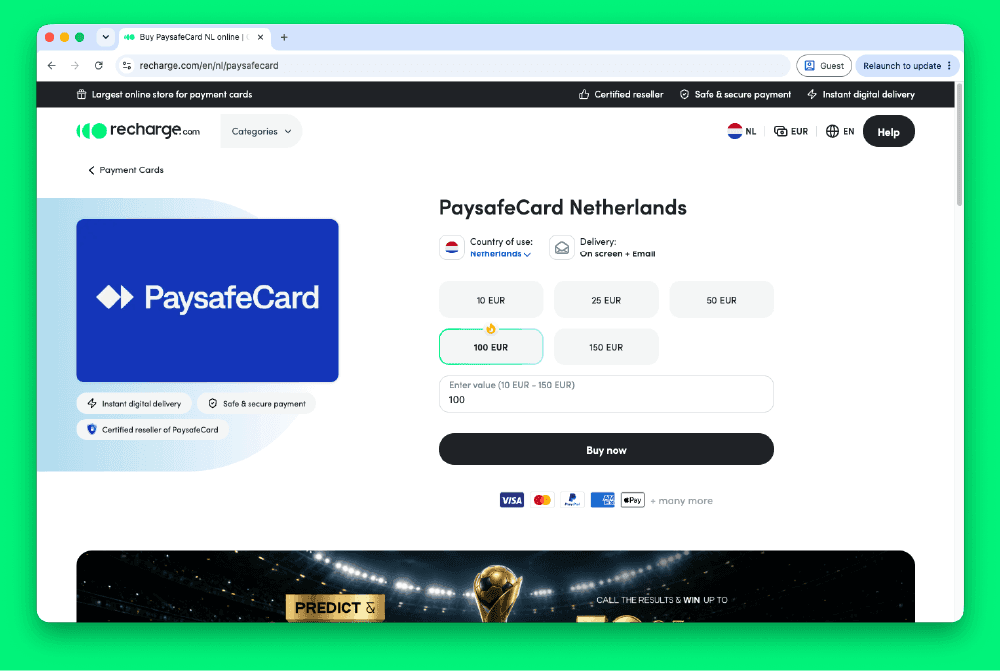
How to Buy Paysafecard Codes from Recharge in Europe
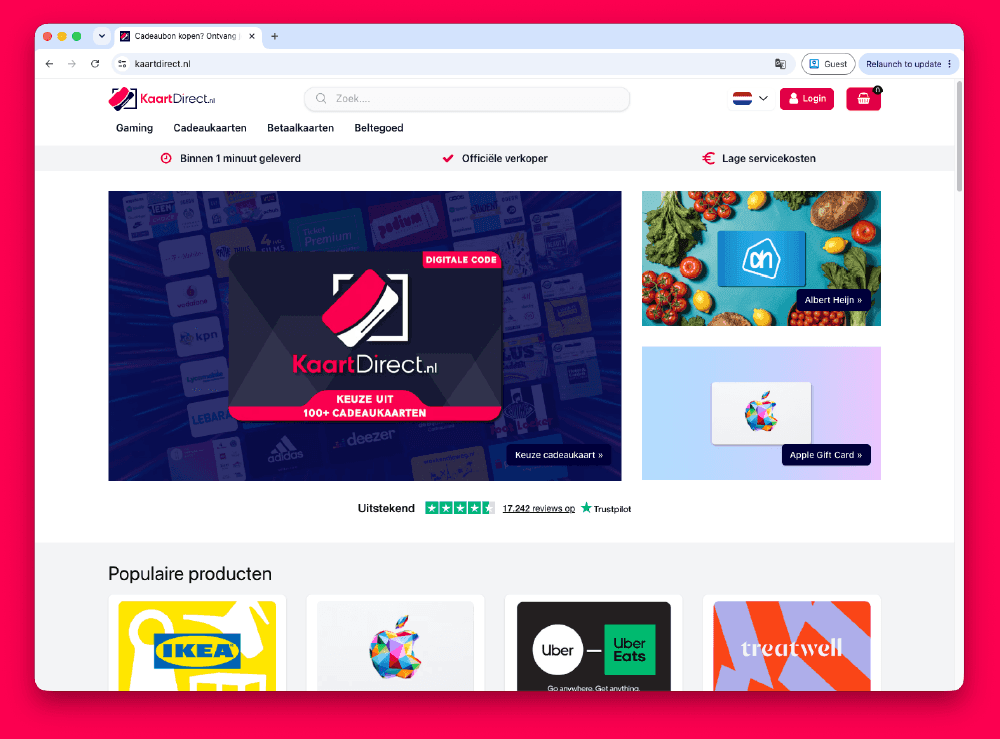
How to Buy Paysafecard Codes from Kaartdirect Online
.png&w=1920&q=75)
How to Buy a Paysafecard from Startselect in Europe

How to Buy Paysafecard Online with Klarna in Europe
How to Buy Paysafecard Online with Apple Pay in Europe
How to Buy Paysafecard with Phone Credit in Europe