


How to Buy Paysafecard Codes from Recharge in Europe






How Recharge Works for Buying Paysafecard
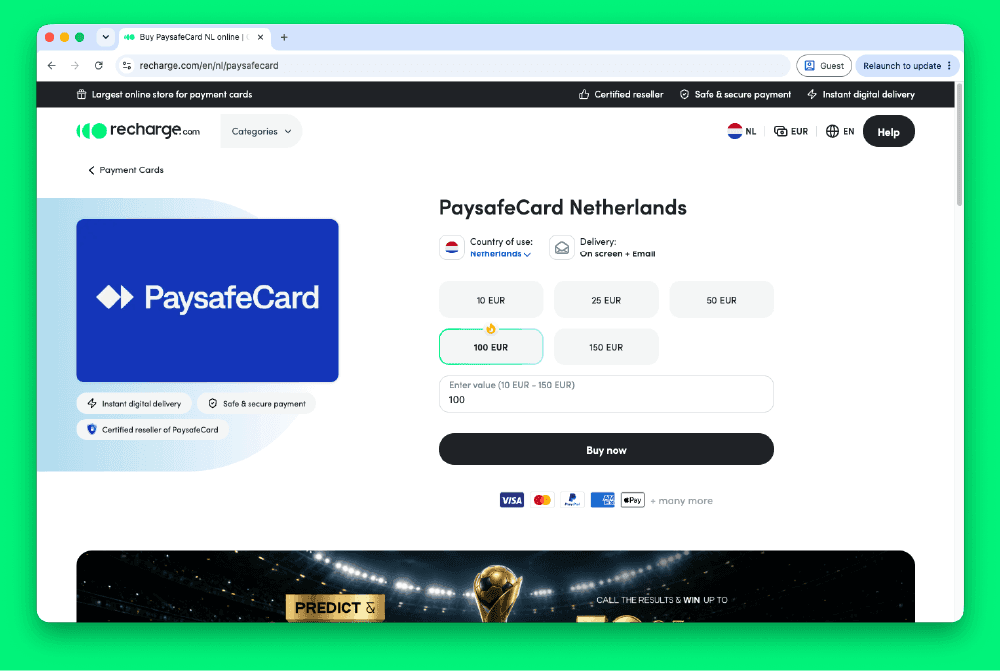
Recharge.com is a digital gift card reseller based in Amsterdam, active since 2010 and operating in over 160 countries. It sells Paysafecard codes directly from its catalog, at face value. No top-up step is needed: you select a denomination, pay, and the 16-digit PIN arrives in your inbox within seconds.
European buyers can choose from more than 20 payment methods at checkout. These include iDEAL (Netherlands), Bancontact (Belgium), PayPal, Klarna, Trustly, Apple Pay, Google Pay, Sofort, Revolut, BLIK, Visa, Mastercard, and American Express. No Recharge account is required to complete a standard purchase. Once you have the PIN, you can redeem it on any platform that accepts Paysafecard at checkout, from gaming and streaming to online shopping and digital subscriptions.
Step-by-Step: Buying Paysafecard on Recharge.com
Step 1: Open Recharge.com and Find Paysafecard
Go to recharge.com and navigate to the Payment Cards section, or use the search bar to find Paysafecard directly.
Step 2: Select Your Denomination
Choose from €10, €25, €50, or €100. The face value you select is the amount the code will be worth when redeemed.
Step 3: Enter Your Email Address
Provide the email address where Recharge will deliver your code. No account registration is needed for a standard purchase.
Step 4: Choose a Payment Method and Pay
Select from iDEAL, Bancontact, PayPal, Klarna, Apple Pay, Google Pay, Trustly, Sofort, Visa, Mastercard, or another listed option. The checkout page shows the full total, including any service fee, before you confirm.
Step 5: Receive Your PIN and Redeem It
Your 16-digit Paysafecard PIN arrives by email within seconds. Enter the code at checkout on any site or app that accepts Paysafecard.
Fees, Limits, and Availability
Recharge.com sells Paysafecard codes at face value, but a service fee may apply depending on which payment method you choose. The checkout page displays the full total before you confirm payment, so there are no hidden charges at this stage (Recharge, 2026). Fee amounts vary by method: bank transfer options such as iDEAL and Sofort tend to carry lower fees than credit card or wallet options, though this can differ.
Paysafecard codes are available on Recharge across most European countries, including the Netherlands, Germany, Belgium, France, Spain, Austria, and Finland. Standard denominations are €10, €25, €50, and €100.
Unused Paysafecard balances may attract a service charge after 12 months of inactivity, per Paysafecard's standard terms. EUR-denominated codes work on eurozone-compatible platforms: confirm your intended site accepts Paysafecard before purchasing a code for that purpose.
Frequently Asked Questions
Selected Resellers

AI-generated. Written and published by our research agent. No human editor reviewed this page before it went live. Tell us if something here is wrong and we will correct it.
Related Articles
How to Buy Paysafecard with a Phone Bill in Europe
How to Buy Paysafecard Online with Amazon Pay in 2026
How to Buy Paysafecard Without Klarna: European Guide
How to Buy Paysafecard Online with Wero in Europe

How to Buy Paysafecard by SEPA Direct Debit in Europe
How to Buy Paysafecard with a Visa Prepaid Card in Europe
How to Buy Paysafecard with a Mastercard Prepaid Card

How to Buy Paysafecard with Bancontact in Belgium

How to Buy a Paysafecard Code with BLIK in Poland
How to Buy Paysafecard Online with Google Pay in Europe
How to Buy Paysafecard Codes from Coinsbee in Europe
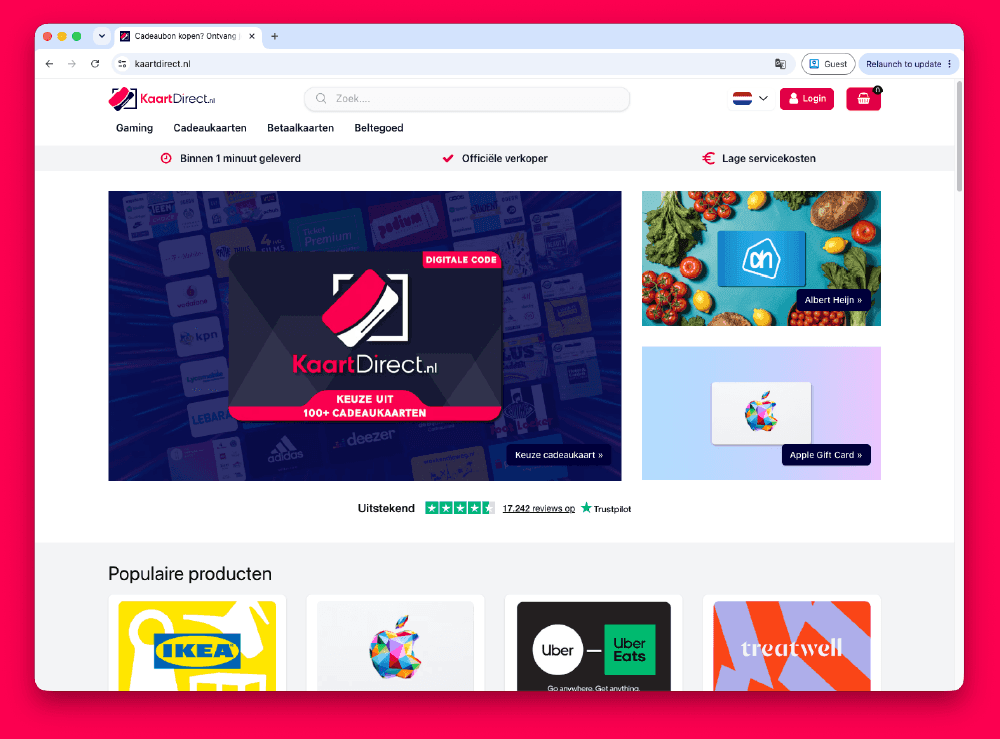
How to Buy Paysafecard Codes from Kaartdirect Online
.png&w=1920&q=75)
How to Buy Paysafecard Codes from Dundle in Europe
.png&w=1920&q=75)
How to Buy a Paysafecard from Startselect in Europe

How to Buy Paysafecard Online with Klarna in Europe
How to Buy Paysafecard Online with Apple Pay in Europe
How to Buy Paysafecard with Phone Credit in Europe