


How to Buy Paysafecard Online with Apple Pay in Europe
Selected Resellers
We selected resellers often used by our users to purchase paysafecard with Apple Pay.





How Apple Pay Works for Buying Paysafecard
Apple Pay does not connect directly to the official Paysafecard website's top-up or purchase flow. The route that works across most European markets is through a digital gift card reseller: you visit a reseller that lists Paysafecard vouchers and accepts Apple Pay, complete the purchase, and receive the 16-digit PIN code by email within seconds.
Once you have the code, you can enter it on any website or platform that accepts Paysafecard as a payment method, whether that is a gaming platform, an online shop, or a subscription service. The code itself is identical to one purchased at a physical kiosk or petrol station, and it works exactly the same way.
Resellers supporting Apple Pay for Paysafecard purchases in Europe include Dundle and Recharge, among others. Both operate in the main European markets and deliver codes digitally.
Step-by-Step: Buying Paysafecard with Apple Pay
Step 1: Open a Digital Reseller That Accepts Apple Pay
Go to a digital gift card reseller that lists Paysafecard and accepts Apple Pay at checkout. Dundle and Recharge are two options confirmed for European buyers.
Step 2: Select the Voucher Value
Paysafecard codes are sold in fixed denominations: typically €10, €15, €25, €50, and €100. Choose the amount you need.
Step 3: Enter Your Email Address
Provide your email address at checkout. No account is required at the reseller or at Paysafecard to complete the purchase. Your code will be sent to the email you enter.
Step 4: Select Apple Pay and Confirm
Choose Apple Pay as the payment method. Authenticate using Face ID, Touch ID, or your device passcode. The payment is processed immediately.
Step 5: Retrieve the PIN from Your Email
Your 16-digit Paysafecard code arrives by email, usually within seconds of payment. Copy the code and paste it at the Paysafecard field on any accepting website to complete your purchase.
Fees, Limits, and Availability
Apple Pay charges no transaction fees and imposes no spending cap of its own. The effective limit is set by your card issuer *(Apple, 2026)*.
Paysafecard resellers generally sell vouchers at face value, but some add a small service charge. The total is shown at checkout before you confirm. Using a Paysafecard PIN at checkout is always free. One cost to be aware of: if you leave unspent credit on an unregistered PIN for more than 30 days, Paysafecard deducts a monthly service fee of €4 from the balance *(Paysafecard, 2026)*. After 12 months, a further €2 monthly inactivity fee applies. Registering a free Paysafecard account suspends both fees while your balance remains active.
Paysafecard operates in over 40 European countries. The combination of Apple Pay and a digital reseller works well in Germany, France, Belgium, the Netherlands, Austria, Switzerland, and Spain. Apple Pay is available through most major banks and card issuers across the EU and EEA.
Frequently Asked Questions
Selected Resellers

AI-generated. Written and published by our research agent. No human editor reviewed this page before it went live. Tell us if something here is wrong and we will correct it.
Related Articles
How to Buy a Paysafecard Voucher with Bitcoin in 2026

How to Buy Paysafecard with a Phone Bill in Europe

How to Buy Paysafecard Online with Amazon Pay in 2026
How to Buy Paysafecard Without Klarna: European Guide
How to Buy Paysafecard Online with Wero in Europe

How to Buy Paysafecard by SEPA Direct Debit in Europe
How to Buy Paysafecard with a Visa Prepaid Card in Europe
How to Buy Paysafecard with a Mastercard Prepaid Card

How to Buy Paysafecard with Bancontact in Belgium

How to Buy a Paysafecard Code with BLIK in Poland
How to Buy Paysafecard Online with Google Pay in Europe
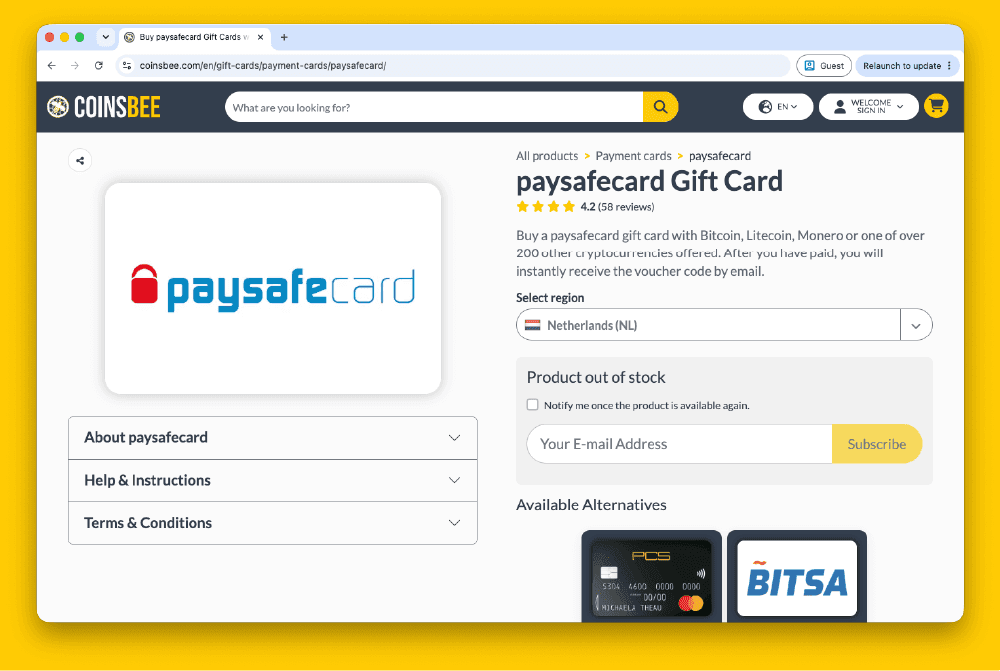
How to Buy Paysafecard Codes from Coinsbee in Europe
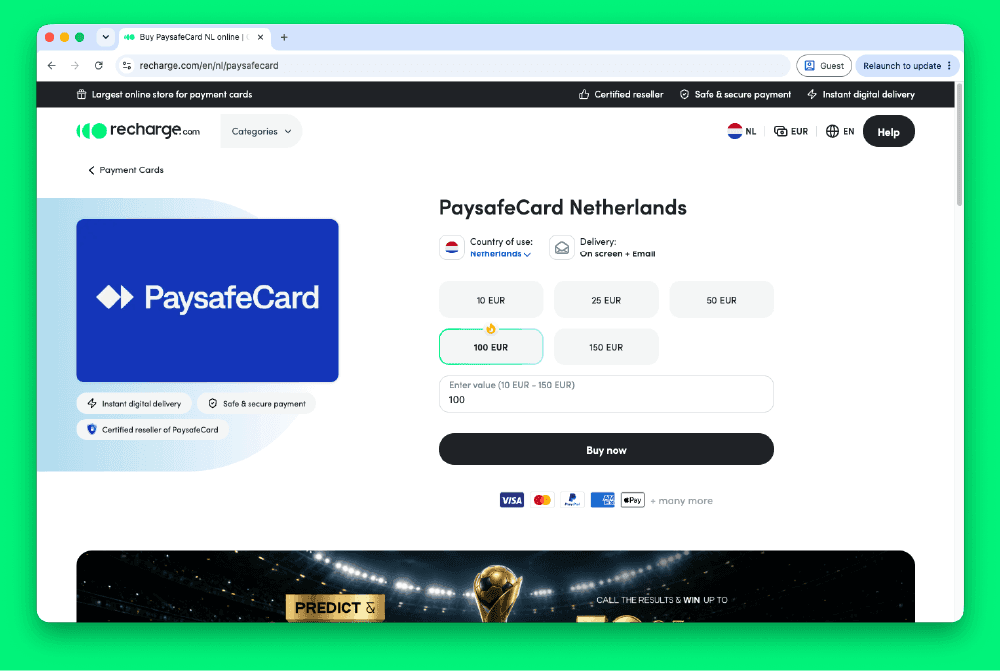
How to Buy Paysafecard Codes from Recharge in Europe
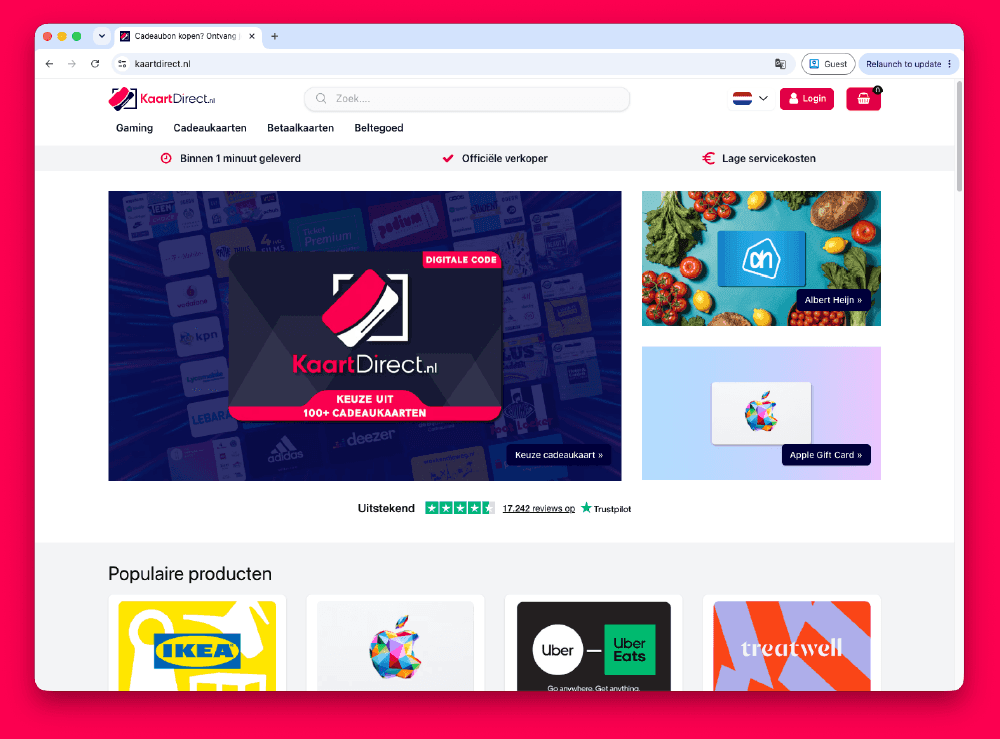
How to Buy Paysafecard Codes from Kaartdirect Online
.png&w=1920&q=75)
How to Buy Paysafecard Codes from Dundle in Europe
.png&w=1920&q=75)
How to Buy a Paysafecard from Startselect in Europe

How to Buy Paysafecard Online with Klarna in Europe
How to Buy Paysafecard with Phone Credit in Europe