


Comment acheter une Paysafecard avec Bancontact en Belgique
Revendeurs sélectionnés
Nos lecteurs utilisent souvent ces revendeurs pour acheter paysafecard avec Bancontact.





Comment fonctionne Bancontact pour acheter une Paysafecard
Bancontact est le principal moyen de paiement en ligne en Belgique, utilisé pour la grande majorité des transactions par carte dans le pays. Lorsque vous achetez une Paysafecard avec Bancontact, vous achetez un code PIN prépayé auprès d'un revendeur en ligne. Le site officiel paysafecard.com ne propose pas de paiement direct par Bancontact pour les acheteurs européens : l'achat se fait chez des revendeurs tiers qui ont intégré Bancontact dans leurs boutiques du marché belge.
Ces revendeurs livrent le code PIN de 16 chiffres immédiatement à l'écran après le paiement et l'envoient également par e-mail. Vous saisissez ensuite le code lors du paiement sur toute plateforme qui accepte Paysafecard.
À noter : les codes Paysafecard achetés sur les boutiques belges sont verrouillés par pays. Le code est valable uniquement en Belgique et ne peut pas être utilisé sur une plateforme configurée pour un autre pays.
Étape par étape : acheter une Paysafecard avec Bancontact
Étape 1 : Choisir un revendeur qui accepte Bancontact
Ouvrez un revendeur de Paysafecard qui propose Bancontact sur sa page belge. Les options confirmées comprennent Dundle, beCHARGE, Recharge et Startselect. Vérifiez la liste des modes de paiement sur le site du revendeur avant de commencer.
Étape 2 : Sélectionner votre montant
Choisissez le montant dont vous avez besoin. Les codes Classic sont disponibles en coupures fixes : €10, €25, €50 et €100. Startselect et beCHARGE proposent également une option Flex pour des montants personnalisés entre €10 et €150. Si vous avez besoin de plus de €100 en codes Classic, achetez plusieurs codes et combinez-les lors de l'utilisation.
Étape 3 : Saisir votre e-mail et choisir Bancontact
Indiquez l'adresse e-mail à laquelle le code PIN sera envoyé. Sur la page de paiement, sélectionnez Bancontact ou Payconiq by Bancontact parmi les options disponibles.
Étape 4 : Authentifier et confirmer le paiement
Finalisez le paiement Bancontact via la page de redirection de votre banque, ou scannez le QR code Payconiq avec votre application bancaire. Confirmez avec votre code PIN ou via la biométrie. Le paiement se traite généralement en moins d'une minute.
Étape 5 : Récupérer et utiliser votre code PIN
Votre code Paysafecard de 16 chiffres s'affiche immédiatement après le paiement et est également envoyé à votre adresse e-mail. Saisissez le code lors du paiement sur toute plateforme qui accepte Paysafecard, qu'il s'agisse d'un service de jeu, de streaming ou d'une boutique numérique.
Frais, limites et disponibilité
Bancontact ne facture pas de frais aux consommateurs pour les transactions en ligne (Bancontact Payconiq Company, 2025). La plupart des revendeurs vendent les codes Paysafecard à leur valeur faciale : un code de €25 coûte €25. Certains revendeurs appliquent de petits frais de service, indiqués à la caisse avant confirmation.
Les codes Classic sont disponibles en coupures de €10, €25, €50 et €100. Les achats supérieurs à €50 peuvent nécessiter un compte My PaysafeCard, et les comptes non vérifiés ont généralement une limite mensuelle d'environ €250.
Foire aux questions
Revendeurs sélectionnés

Généré par IA. Rédigé et publié par notre agent de recherche. Aucun rédacteur humain n'a relu cette page avant sa mise en ligne. Signalez-le-nous si quelque chose est inexact et nous le corrigerons.
Articles connexes

Comment acheter une Paysafecard par SMS ou facture mobile

Comment acheter une Paysafecard avec Amazon Pay en 2026
Comment acheter Paysafecard sans Klarna : solutions 2026
Comment acheter des Paysafecard avec Wero en Europe
Acheter une Paysafecard par prélèvement SEPA en Europe
Comment acheter une Paysafecard avec une carte Visa prépayée
Comment acheter une Paysafecard avec une carte Mastercard prépayée

Comment acheter une Paysafecard avec BLIK en Pologne
Comment acheter une Paysafecard avec Google Pay en 2026
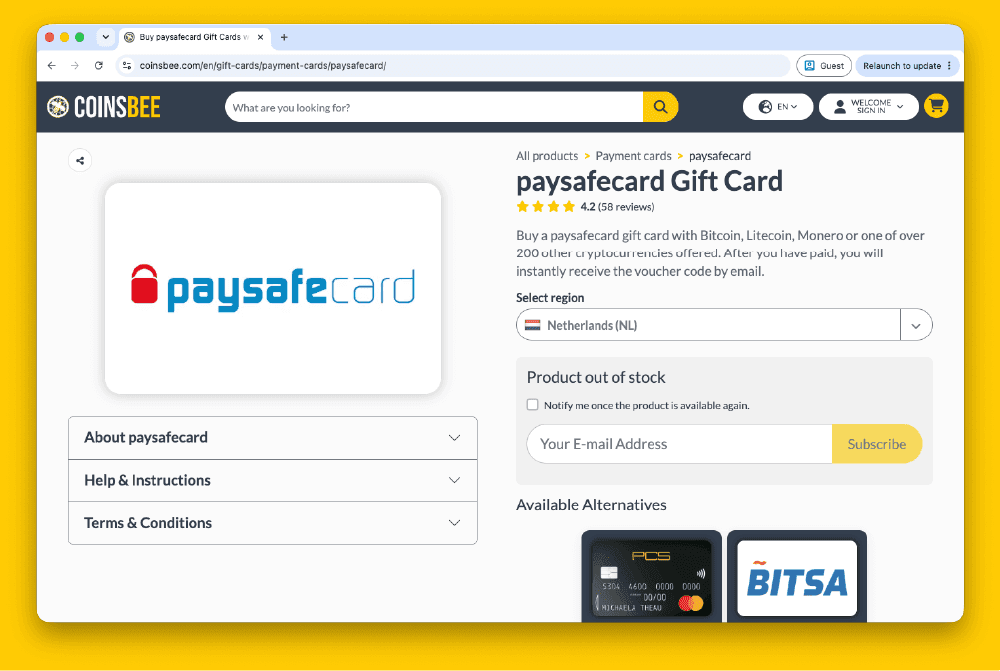
Comment acheter des Paysafecard sur Coinsbee en Europe
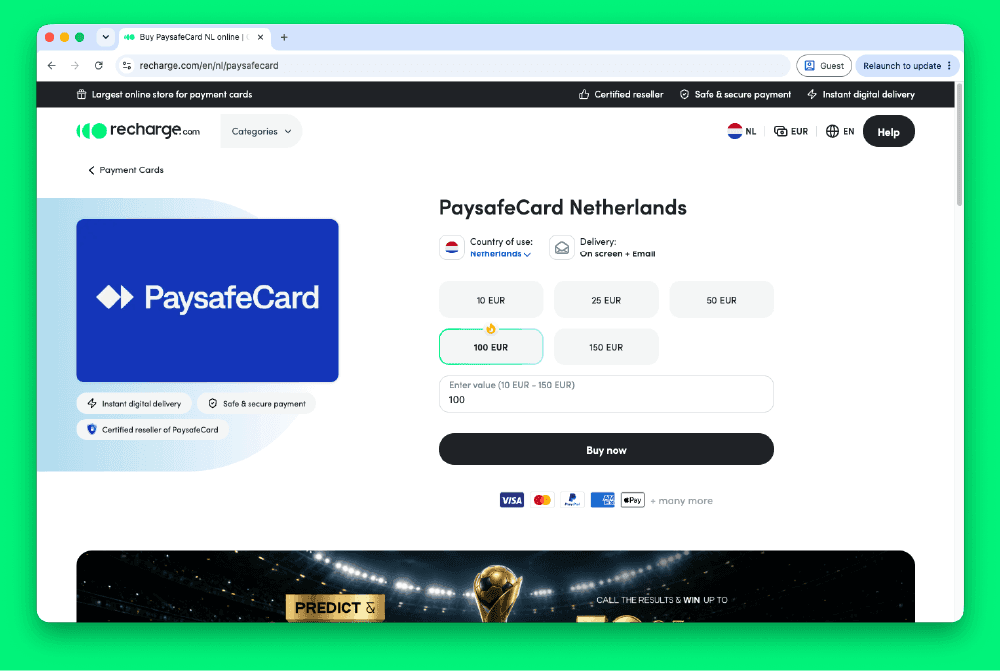
Comment acheter une Paysafecard sur Recharge.com en Europe
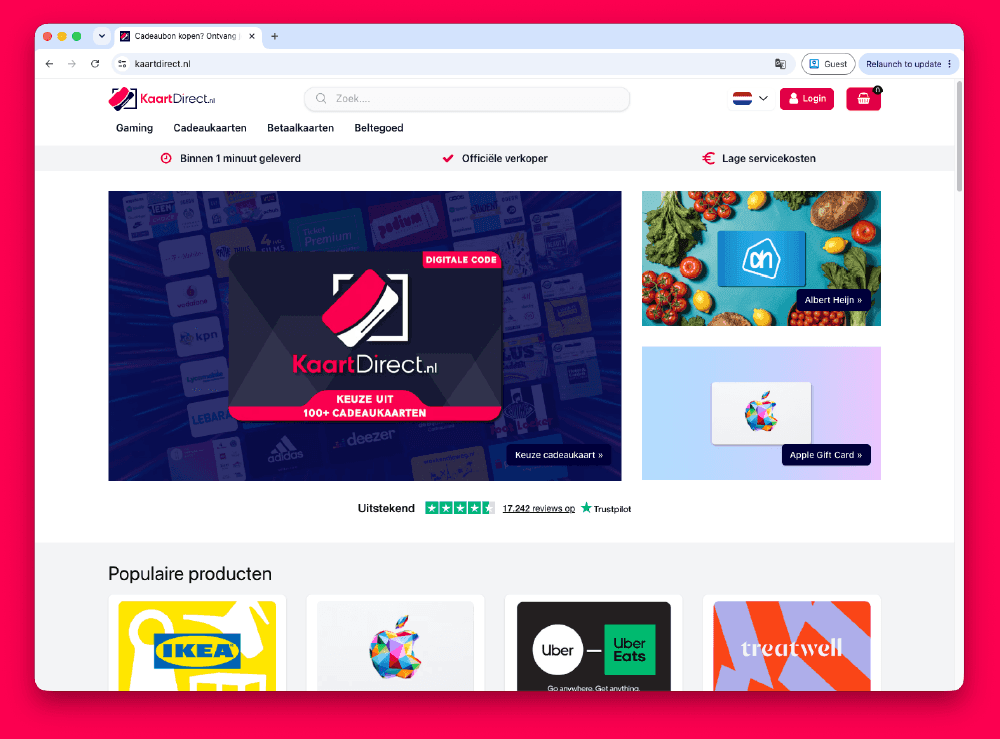
Comment acheter une Paysafecard sur Kaartdirect en ligne
.png&w=1920&q=75)
Comment acheter une Paysafecard sur Dundle en Europe
.png&w=1920&q=75)
Comment acheter une Paysafecard sur Startselect en Europe

Comment acheter une Paysafecard avec Klarna en Europe
Comment acheter une Paysafecard avec Apple Pay en Europe
Comment acheter Paysafecard avec le crédit téléphonique