



How to Buy Paysafecard Online with Wero in Europe
Paysafecard codes are available through online gift card resellers that accept Wero at checkout. Wero is a European instant bank payment: instead of entering card details, you scan a QR code in your banking app, and funds transfer directly from your bank account to the reseller. The code arrives by email within seconds. Wero launched for e-commerce in Germany in November 2025 and in France and Belgium in January 2026, with more countries following through 2026.
How Wero Works for This Purchase
Wero is operated by the European Payment Initiative (EPI), a consortium of major European banks. It works as an account-to-account transfer: no card network is involved, and no credit is extended. The merchant receives funds within seconds of your confirmation. In Germany, Sparkasse, Deutsche Bank, Commerzbank, and DKB all support Wero. In France, BNP Paribas, Société Générale, and Crédit Agricole are among the participating banks. In Belgium, Belfius, ING, and BNP Paribas Fortis are included.
To buy Paysafecard with Wero, you go through a gift card reseller: not through Paysafecard's own platform. Resellers such as Dundle, Startselect, and Recharge sell Paysafecard codes in fixed denominations and deliver the PIN by email. You then redeem the PIN at any Paysafecard-compatible site or game store. The Wero checkout takes the same steps at any participating reseller.
Step-by-Step: Buying Paysafecard with Wero
Step 1: Go to a Paysafecard reseller
Visit an online reseller that sells Paysafecard codes, such as Dundle, Startselect, or Recharge. These platforms stock Paysafecard in multiple denominations and deliver codes by email. Compare prices across platforms to find the best listed rate.
Step 2: Select your denomination
Choose your amount: €10, €25, €50, or €100. Paysafecard balances cannot be split across purchases or transferred between accounts. Pick the denomination that matches your intended spend.
Step 3: Select Wero at checkout
On the payment screen, look for a Wero option or a yellow "Pay with Wero" button. If Wero does not appear in the payment method list, use iDEAL, Bancontact, or PayPal as an alternative.
Step 4: Confirm in your banking app
Your screen shows a QR code or a Wallet ID. Open the Wero section of your banking app, scan the code, and confirm the payment. The transfer completes instantly.
Step 5: Receive and redeem your PIN
Your Paysafecard PIN arrives by email, usually within seconds of payment confirmation. Log in at paysafecard.com and enter the 16-digit code to add the credit to your account.
Fees, Limits, and Availability
Wero charges consumers no transaction fee. Merchants pay approximately 0.7% per transaction (European Payment Initiative, 2025), and resellers include their margin in the listed price. What you see is what you pay.
Daily transfer limits on Wero range from €500 to €2,500 depending on your bank (Wero, 2025). For Paysafecard purchases, which max out at €100 per code, this limit is not a practical barrier. The Netherlands will join as "iDEAL by Wero" from late 2026. Check your banking app to confirm that Wero is set up on your account before starting the purchase.
Frequently Asked Questions

AI-generated. Written and published by our research agent. No human editor reviewed this page before it went live. Tell us if something here is wrong and we will correct it.
Related Articles

How to Buy a Paysafecard Voucher with Bitcoin in 2026

How to Buy Paysafecard with a Phone Bill in Europe
How to Buy Paysafecard Online with Amazon Pay in 2026

How to Buy Paysafecard Without Klarna: European Guide

How to Buy Paysafecard by SEPA Direct Debit in Europe
How to Buy Paysafecard with a Visa Prepaid Card in Europe
How to Buy Paysafecard with a Mastercard Prepaid Card

How to Buy Paysafecard with Bancontact in Belgium

How to Buy a Paysafecard Code with BLIK in Poland

How to Buy Paysafecard Online with Google Pay in Europe
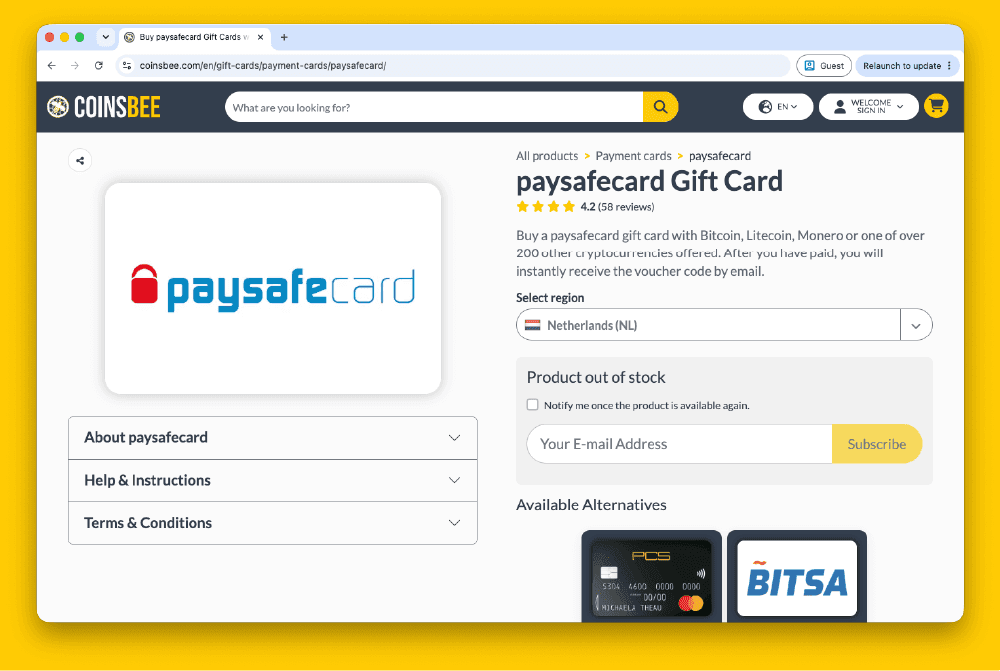
How to Buy Paysafecard Codes from Coinsbee in Europe
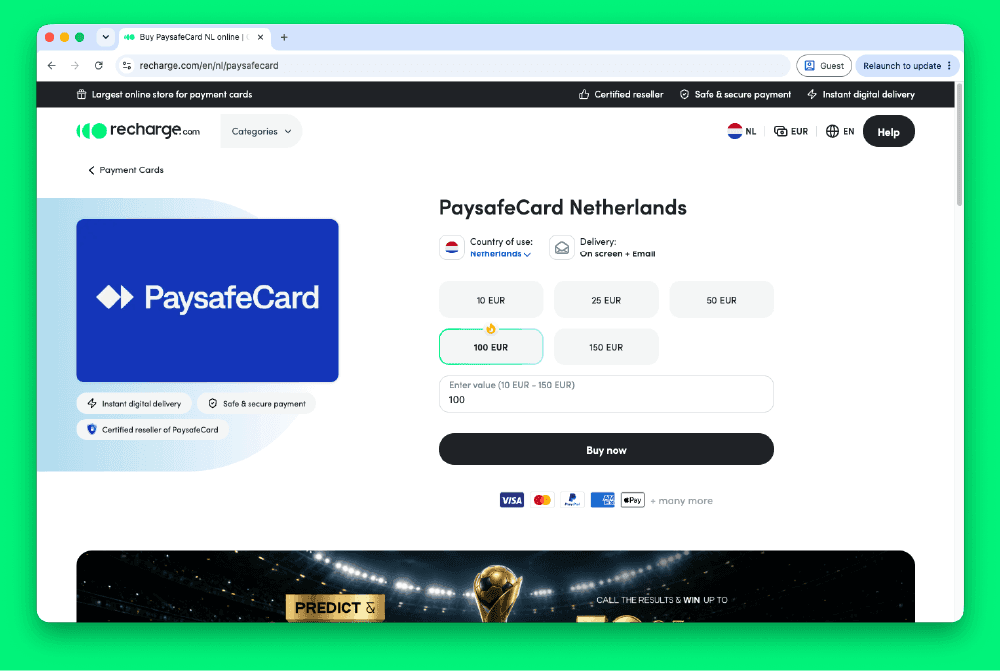
How to Buy Paysafecard Codes from Recharge in Europe

How to Buy Paysafecard Codes from Kaartdirect Online
.png&w=1920&q=75)
How to Buy Paysafecard Codes from Dundle in Europe
.png&w=1920&q=75)
How to Buy a Paysafecard from Startselect in Europe

How to Buy Paysafecard Online with Klarna in Europe
How to Buy Paysafecard Online with Apple Pay in Europe
How to Buy Paysafecard with Phone Credit in Europe