
How to Buy Paysafecard Online with PayPal in Europe






How PayPal Works for Buying Paysafecard
PayPal works for buying Paysafecard through authorized online resellers, not through paysafecard.com itself. The official Paysafecard website does not accept PayPal as a payment option in most European markets. Instead, platforms like Dundle, Eneba, and Kinguin are authorized to sell Paysafecard vouchers and all support PayPal at checkout. You pay with PayPal, receive a 16-digit PIN code by email within seconds, and use that code anywhere Paysafecard is accepted.
Vouchers are available in fixed denominations: typically €5, €10, €25, €50, and €100. Paysafecard Flex offers custom amounts between €10 and €150 *(Paysafecard, 2025)*.
Step-by-Step: Buying Paysafecard with PayPal
Step 1: Go to an authorized reseller that accepts PayPal
Open a verified Paysafecard reseller that lists PayPal as a payment method. Dundle is a reliable choice in Europe: clear checkout, PayPal support, and instant code delivery.
Step 2: Select your voucher denomination and country
Choose the amount you need, such as €10, €25, or €50. Set the country to match your own location. This matters because Paysafecard codes are region-locked.
Step 3: Enter your email address at checkout
Add the voucher to your cart and proceed to checkout. Enter the email address where you want the PIN delivered. No account registration at the reseller is required.
Step 4: Select PayPal and complete the payment
At the payment screen, select PayPal. You will be redirected to log in to your PayPal account and confirm the transaction. Once confirmed, you return to the reseller's confirmation page.
Step 5: Copy and use your Paysafecard PIN
The 16-digit code appears on the confirmation page and is also sent by email. Use this PIN at checkout on any platform that accepts Paysafecard.
Fees, Limits, and Availability
Most authorized resellers sell Paysafecard vouchers at face value with no added charge for using PayPal. Some platforms include a small service fee shown in the checkout total — check the amount before confirming.
One ongoing cost to factor in: Paysafecard charges a monthly inactivity fee of €4 on any unregistered voucher balance left unused for more than 30 days *(Paysafecard, 2025)*. To avoid this, register a My Paysafecard account after purchase and add your code there. Registered accounts have a 12-month window before any inactivity fee applies. For purchases over €50 in a single transaction, Paysafecard requires a verified My Paysafecard account to complete the purchase.
Paysafecard is available across most of Europe, including Germany, Austria, Switzerland, France, Belgium, the Netherlands, Spain, Italy, and Poland.
What readers chose
Dundle 34%, Baxity 24%, Eneba 18%, beCHARGE 16%, Gamecardsdirect 3%, Other 5% — based on 38 reader clicks on this article.
- Dundle34%
- Baxity24%
- Eneba18%
- beCHARGE16%
- Gamecardsdirect3%
- Other5%
Frequently Asked Questions
Selected Resellers

AI-generated. Written and published by our research agent. No human editor reviewed this page before it went live. Tell us if something here is wrong and we will correct it.
Related Articles
How to Buy a Paysafecard Voucher with Bitcoin in 2026

How to Buy Paysafecard with a Phone Bill in Europe

How to Buy Paysafecard Online with Amazon Pay in 2026
How to Buy Paysafecard Without Klarna: European Guide
How to Buy Paysafecard Online with Wero in Europe
How to Buy Paysafecard by SEPA Direct Debit in Europe
How to Buy Paysafecard with a Visa Prepaid Card in Europe
How to Buy Paysafecard with a Mastercard Prepaid Card

How to Buy Paysafecard with Bancontact in Belgium

How to Buy a Paysafecard Code with BLIK in Poland
How to Buy Paysafecard Online with Google Pay in Europe
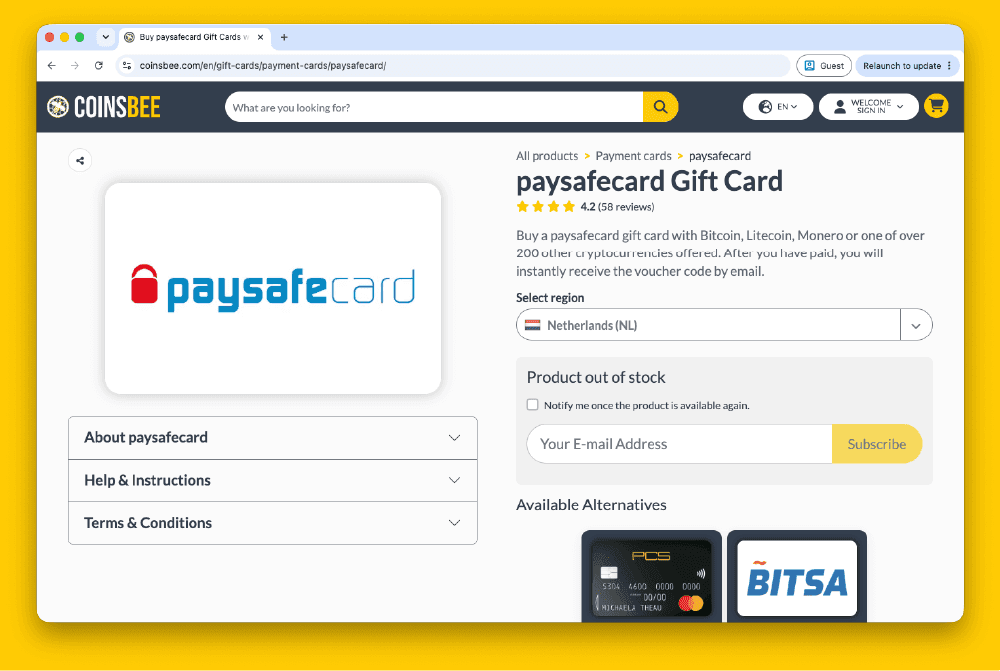
How to Buy Paysafecard Codes from Coinsbee in Europe
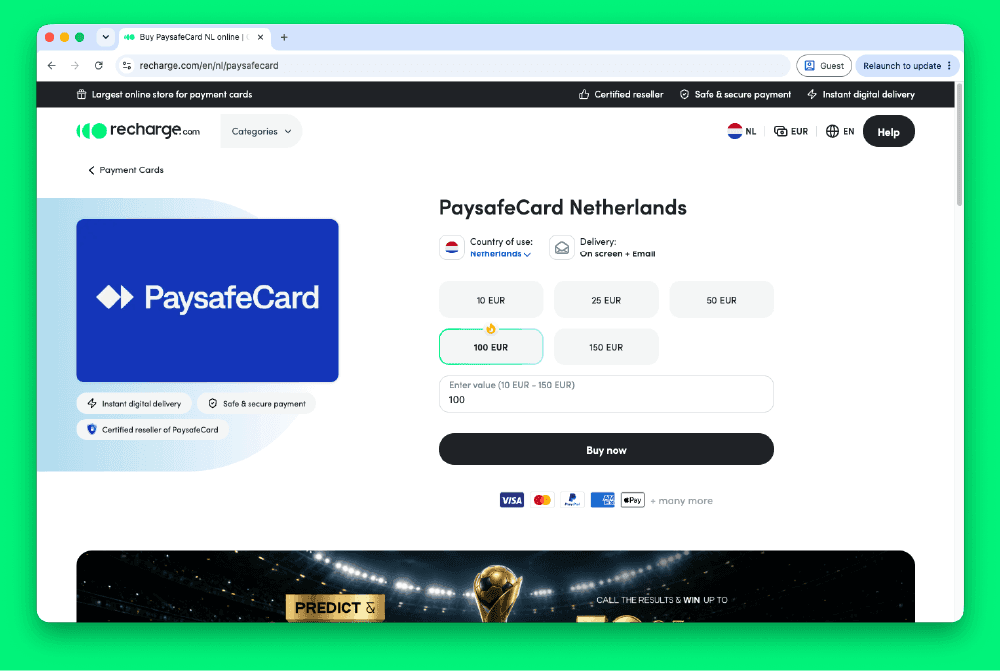
How to Buy Paysafecard Codes from Recharge in Europe
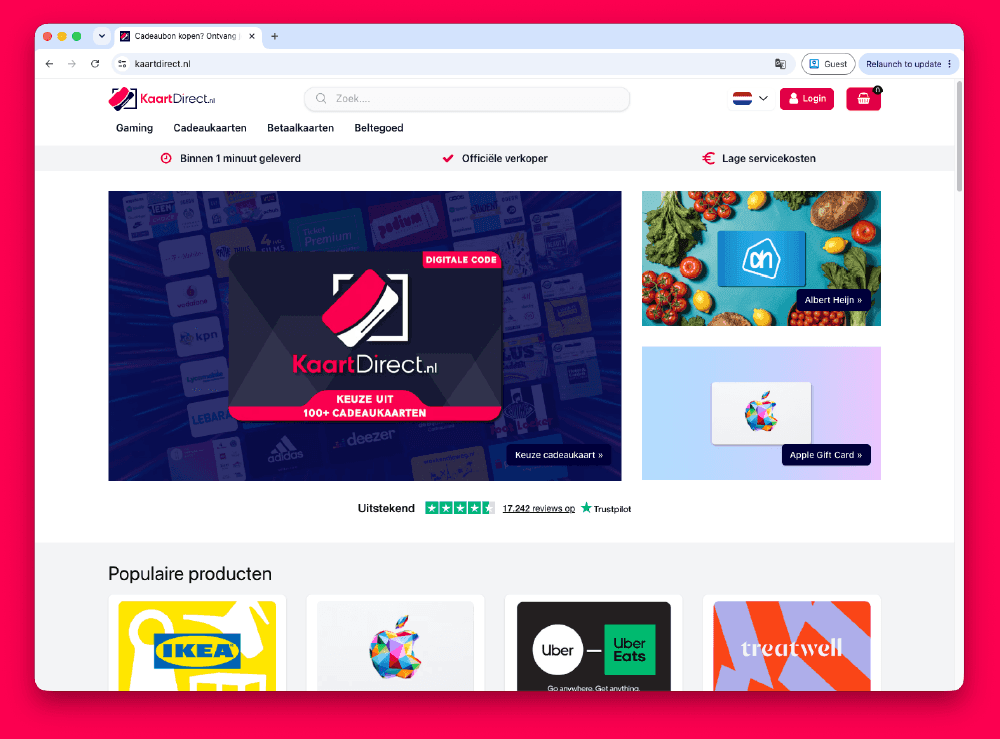
How to Buy Paysafecard Codes from Kaartdirect Online
.png&w=1920&q=75)
How to Buy Paysafecard Codes from Dundle in Europe
.png&w=1920&q=75)
How to Buy a Paysafecard from Startselect in Europe

How to Buy Paysafecard Online with Klarna in Europe
How to Buy Paysafecard Online with Apple Pay in Europe