


How to Buy Robux with Bancontact: Step-by-Step Guide
Selected Resellers
We selected resellers often used by our users to purchase Robux with Bancontact.






How Bancontact Works for Buying Robux
Bancontact is Belgium's most widely used online payment network, covering over 70% of Belgian e-commerce transactions *(Bancontact, 2025)*. It works similarly to iDEAL in the Netherlands: the payment is initiated online and confirmed directly through your bank app or Bancontact card, without routing funds through a third party.
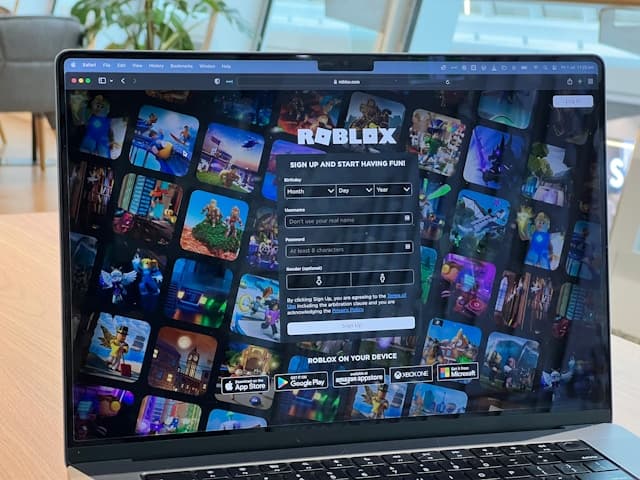
Roblox does not accept Bancontact directly at checkout on roblox.com. The platform supports credit cards, PayPal, and Apple Pay for direct purchases, but not Bancontact. The solution Belgian buyers use is to purchase a Roblox Gift Card from a digital retailer that supports Bancontact, then redeem the card code on Roblox. The Robux appear in your account immediately after redemption.
Step-by-Step: Buying Robux with Bancontact
Step 1: Choose a Retailer That Accepts Bancontact
Open a digital gift card retailer that lists Bancontact as a supported payment option. Startselect and beCHARGE are popular choices for Belgian buyers, both offering Roblox codes with Bancontact at checkout. Dundle is another option that accepts Bancontact and delivers codes by email. Navigate to the Roblox section of the site you choose.
Step 2: Select a Roblox Gift Card Denomination
Choose the amount you want to load onto your Roblox account. Roblox Gift Cards in Europe are available in several denominations, typically ranging from €10 to €50. Check the Robux value listed for each denomination before selecting.
Step 3: Enter Your Email and Go to Checkout
Enter the email address where you want to receive the gift card code. Review your order summary, then proceed to the payment screen. Select Bancontact as your payment method from the options shown.
Step 4: Complete the Bancontact Payment
Your bank redirects you to the standard Bancontact payment flow. Confirm the transaction via your banking app or with your physical Bancontact card and card reader. Authentication typically completes in under a minute, and the retailer processes your order as soon as payment is confirmed.
Step 5: Redeem the Code on Roblox
Your gift card code arrives by email, usually within seconds of payment confirming. Log in to your Roblox account, navigate to roblox.com/redeem, and type in the code exactly as shown. The credit is applied to your Roblox balance and can be used to purchase Robux packs or a Roblox Premium subscription.
Fees, Limits, and Availability
Roblox does not charge currency conversion or service fees when redeeming a gift card *(Roblox, 2025)*. Gift cards carry no expiry or maintenance fees. The price you pay at the retailer is set by the retailer itself. In most cases the price matches the face value, but some platforms include a small service fee, so check the total at checkout before confirming your purchase.
Bancontact is most widely available in Belgium, with some availability in Luxembourg and at Belgian-focused online retailers. Buyers elsewhere in Europe can use PayPal, Klarna, or Paysafecard as alternatives, depending on their country.
Frequently Asked Questions
Selected Resellers

AI-generated. Written and published by our research agent. No human editor reviewed this page before it went live. Tell us if something here is wrong and we will correct it.
Related Articles
How to Buy Robux with Apple Account Balance on iOS
How to Buy Robux with BLIK: The Polish Gift Card Method
How to Buy Robux with PayPal: Step-by-Step for Europe
How to Buy Robux with iDEAL: The Dutch Gift Card Method
How to Buy Robux with Klarna and a Gift Card in Europe
How to Buy Robux with Google Pay on Android or Web
How to Buy Robux with a Visa Prepaid Card in Europe
How to Buy Robux with a Mastercard Prepaid Card in Europe
How to Buy Robux with Google Play Balance and Gift Cards
How to Buy Robux with Paysafecard
How to Buy Robux with Apple Pay