


How to Buy Robux with BLIK: The Polish Gift Card Method




How BLIK Works for This Purchase
BLIK is a Polish mobile payment system built into over 15 major Polish banking apps, including PKO BP, mBank, ING, Santander, and Bank Millennium. When you pay with BLIK, you open your banking app, generate a 6-digit one-time code, enter it at checkout, and confirm the transaction with your PIN or fingerprint: no card number, no external redirect, and no password to type.
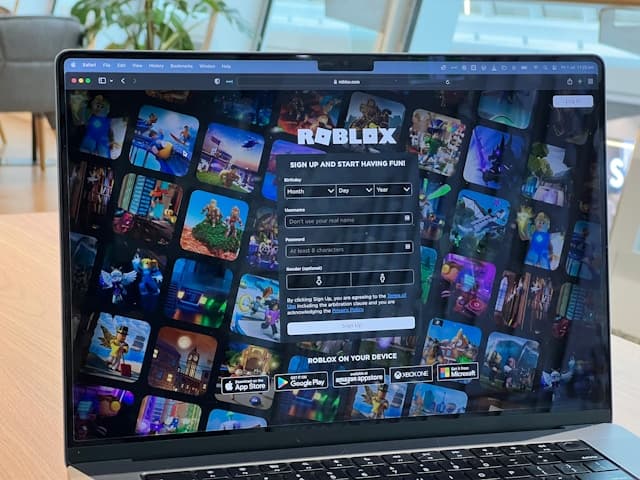
Roblox does not accept BLIK directly at checkout on roblox.com. The route Polish users follow is the gift card method: buy a Roblox gift card from a reseller that accepts BLIK, receive a redemption code by email, and redeem it at roblox.com/redeem. Robux or Roblox Premium credit appears in your account within seconds of redemption.
Step-by-Step: Buying Robux with BLIK
Step 1: Choose a reseller that accepts BLIK
Select a reseller that sells Roblox gift cards and confirms BLIK as a payment option. Startselect's Polish storefront and G2A both accept BLIK. Polish-denomination cards come in 50 PLN and 100 PLN at Startselect, with additional denominations available through G2A's marketplace sellers.
Step 2: Add a card to your cart and proceed to checkout
Choose the denomination you want, add it to your cart, and go to checkout. When prompted to select a payment method, choose BLIK. On some platforms you will see BLIK as a direct option; on others you select Przelewy24 first and choose BLIK from the payment wall.
Step 3: Generate a BLIK code in your banking app
Open your Polish banking app and navigate to the BLIK section. Tap to generate a 6-digit one-time code. The code expires in approximately 2 minutes, so complete the next step quickly.
Step 4: Enter the code and confirm in your banking app
Enter the 6-digit code on the checkout page and submit. Your banking app will send a push notification prompting you to confirm the payment with your PIN or biometrics. The transaction completes within seconds.
Step 5: Receive your gift card code and redeem it
Your Roblox gift card code is displayed on the confirmation page and sent to your email. Go to roblox.com/redeem, log in to your Roblox account, and enter the code. Your Robux balance updates immediately.
Fees, Limits, and Availability
BLIK does not charge a consumer fee for online purchases. Buying a Roblox gift card with BLIK costs exactly the face value of the card, with no surcharge applied by the BLIK system (Przelewy24, 2026). Startselect sells cards at face value; marketplace sellers on G2A set their own prices, so check the listing before buying.
Transaction limits vary by bank, but a typical single-payment ceiling of PLN 500–1,000 is standard across most Polish banks, which covers any Roblox gift card denomination comfortably (Fenige, 2026). You can raise this limit in your banking app if needed.
BLIK is currently available in Poland only, with a limited rollout in Slovakia underway in 2026. It is not available in Germany, Austria, Switzerland, France, or Belgium.
Frequently Asked Questions
Selected Resellers

AI-generated. Written and published by our research agent. No human editor reviewed this page before it went live. Tell us if something here is wrong and we will correct it.
Related Articles
How to Buy Robux with Apple Account Balance on iOS
How to Buy Robux with PayPal: Step-by-Step for Europe
How to Buy Robux with Bancontact: Step-by-Step Guide
How to Buy Robux with iDEAL: The Dutch Gift Card Method
How to Buy Robux with Klarna and a Gift Card in Europe
How to Buy Robux with Google Pay on Android or Web
How to Buy Robux with a Visa Prepaid Card in Europe
How to Buy Robux with a Mastercard Prepaid Card in Europe
How to Buy Robux with Google Play Balance and Gift Cards
How to Buy Robux with Paysafecard
How to Buy Robux with Apple Pay