


How to Buy Robux with iDEAL: The Dutch Gift Card Method
Selected Resellers
We selected resellers often used by our users to purchase Robux with iDEAL.









How iDEAL Works for This Purchase
iDEAL is the Netherlands' most widely used online payment method. It connects directly to your Dutch bank account, letting you authorise payments through your bank's app or internet banking portal without needing a credit card or separate wallet.
Roblox does not support iDEAL as a direct payment option on roblox.com. The Roblox checkout accepts credit cards, PayPal, and Roblox gift cards as its main options. To pay with iDEAL, you follow a two-step process: buy a Roblox gift card from a Dutch gift card retailer that accepts iDEAL, then redeem the code on the Roblox website to top up your Robux balance.
This gift card route is well established among Dutch Roblox players and takes only a few minutes from purchase to having Robux in your account.
Step-by-Step: Buying Robux with iDEAL
Step 1: Choose a gift card platform that accepts iDEAL
Open a gift card retailer that sells Roblox cards and supports iDEAL at checkout. Dundle, Recharge, and Startselect all serve the Dutch market and deliver digital codes by email. Check the payment options on the checkout page before selecting a card.
Step 2: Select a card value
Browse the available denominations. Common options include €10 (approximately 800 Robux) and €25 (approximately 2,000 Robux). Some platforms also stock €50 cards. Pick the value that fits your budget and proceed to checkout.
Step 3: Pay with iDEAL
At checkout, select iDEAL as your payment method and choose your bank from the list. You will be redirected to your bank's online portal or app to confirm the transaction. After authorisation, the gift card code is emailed to you, typically within a few minutes.
Step 4: Redeem the code on Roblox
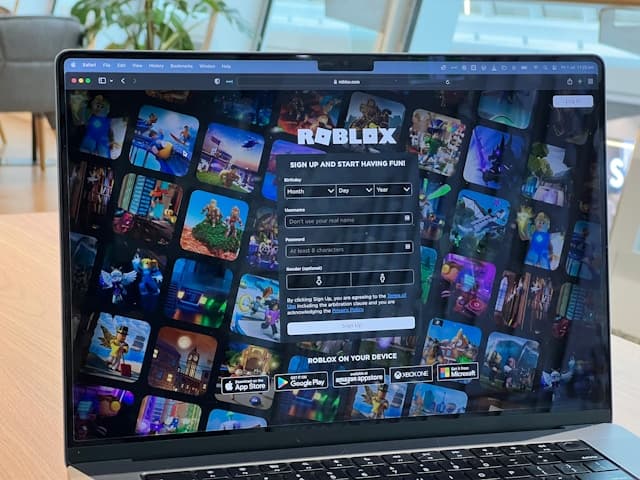
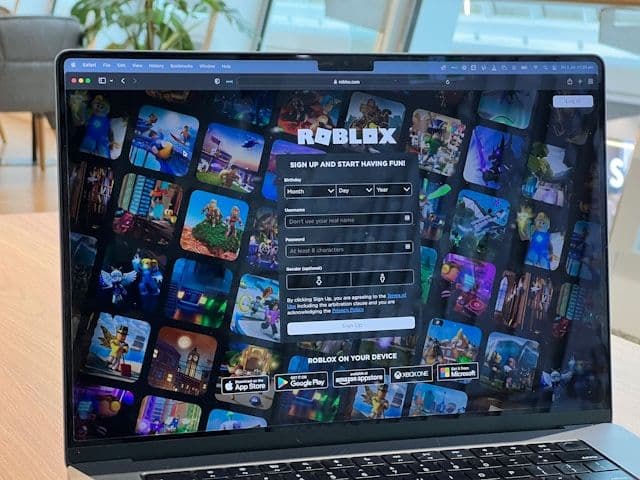
Log in to roblox.com on a desktop or laptop browser. Go to the Robux page and click "Redeem Roblox Card". Enter the code from your email and confirm. Your Robux balance is updated immediately once the code is accepted.
Fees, Limits, and Availability
iDEAL is available exclusively to customers with a Dutch bank account. It is not supported for users in Germany, Austria, Switzerland, France, or Belgium. Roblox players in those countries should use alternatives such as Klarna, Bancontact, or Paysafecard.
The gift card platforms listed above do not charge additional fees for iDEAL transactions. The price you pay is the face value of the card. Gift cards are generally available in €10 and €25 denominations, with no minimum purchase requirement. Prices may vary slightly between retailers.
Frequently Asked Questions
Selected Resellers

AI-generated. Written and published by our research agent. No human editor reviewed this page before it went live. Tell us if something here is wrong and we will correct it.
Related Articles
How to Buy Robux with Apple Account Balance on iOS
How to Buy Robux with BLIK: The Polish Gift Card Method
How to Buy Robux with PayPal: Step-by-Step for Europe
How to Buy Robux with Bancontact: Step-by-Step Guide
How to Buy Robux with Klarna and a Gift Card in Europe
How to Buy Robux with Google Pay on Android or Web
How to Buy Robux with a Visa Prepaid Card in Europe
How to Buy Robux with a Mastercard Prepaid Card in Europe
How to Buy Robux with Google Play Balance and Gift Cards
How to Buy Robux with Paysafecard
How to Buy Robux with Apple Pay