



How to Buy Robux with PayPal: Step-by-Step for Europe
How PayPal Works for Buying Robux
PayPal is accepted as a payment method on the Roblox website for most European countries. When you buy Robux on roblox.com, Roblox processes the transaction through its payment partners Stripe and Xsolla, both of which support PayPal at checkout. You choose a Robux package, select PayPal as your payment method, log in to your PayPal account in a popup, and approve the payment. The Robux appear in your account immediately after the transaction completes.
Not all European countries have PayPal available directly at Roblox checkout. Availability depends on your account's regional settings and which payment processor handles your country. If you do not see PayPal as an option at checkout, the recommended alternative is to buy a Roblox gift card from a European digital retailer using PayPal, then redeem the code on Roblox for Robux.
Step-by-Step: Buying Robux with PayPal
Step 1: Open the Roblox website
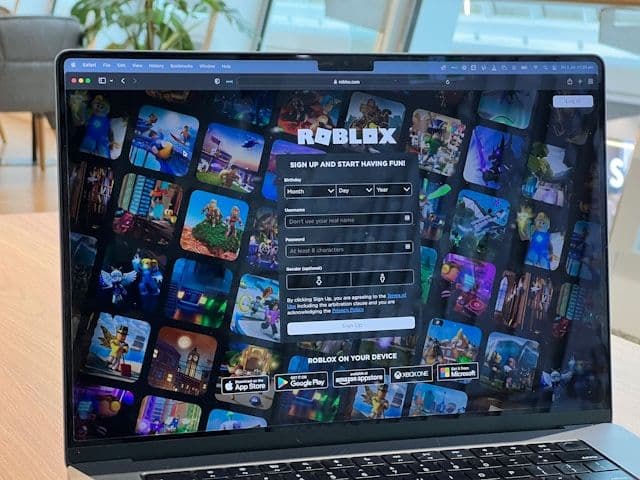
Go to roblox.com in a browser and sign in to your account. PayPal is only available on the browser version of Roblox, not in the mobile app or on PlayStation or Xbox.
Step 2: Go to the Robux purchase page
Click the Robux icon at the top of the page, or navigate directly to roblox.com/robux. You will see a list of available Robux packages priced in your local currency.
Step 3: Select PayPal and complete the purchase
Choose the package you want, then select PayPal as your payment method. A PayPal popup will open. Log in to your PayPal account and confirm the payment. Once approved, the Robux are added to your account instantly.
Step 4 (if PayPal is not available at Roblox checkout): Buy a gift card
If PayPal does not appear at Roblox checkout, buy a Roblox gift card from a European digital retailer. The following platforms accept PayPal and serve European customers:
Select a card value in euros (10, 25, or 50), pay with PayPal, and receive the code by email.
Step 5: Redeem the gift card
Go to roblox.com/giftcards and enter the code. The credit is added to your Roblox account balance, which you can then use to purchase any Robux package.
Fees, Limits, and Availability
PayPal does not charge buyers a fee for purchases made in the same currency. Roblox prices Robux packages in euros for European accounts: 800 Robux costs approximately 9.99 (Roblox, 2025). There is no stated minimum purchase amount, and Roblox does not publish a maximum per-transaction limit.
PayPal is available in all major European markets, including Germany, France, the Netherlands, Belgium, Spain, Austria, and Italy. The payment method is supported at checkout for accounts registered in these countries, though availability is managed by Roblox's payment processors and may vary.
Frequently Asked Questions
Related Articles
How to Buy Robux with Bancontact: Step-by-Step Guide
How to Buy Robux with iDEAL: The Dutch Gift Card Method
How to Buy Robux with Klarna and a Gift Card in Europe
How to Buy Robux with Google Pay on Android or Web
How to Buy Robux with a Visa Prepaid Card in Europe
How to Buy Robux with a Mastercard Prepaid Card in Europe
How to Buy Robux with Google Play Balance and Gift Cards
How to buy Robux with Paysafecard?
How to buy Robux with Applepay?