

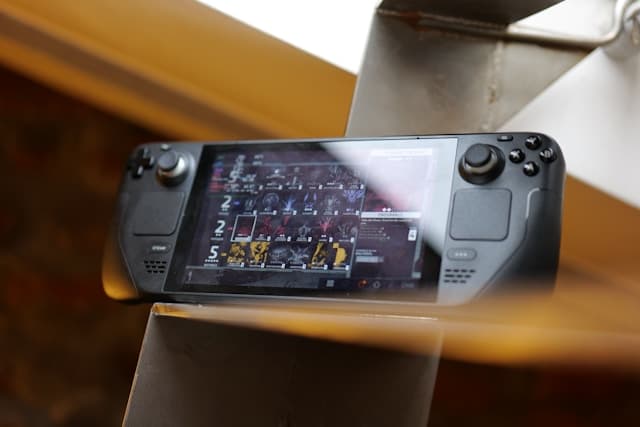


How to Buy Steam Wallet Credit with Paysafecard in Europe
Selected Resellers
We selected resellers often used by our users to purchase Steam with PaySafeCard.









Does Paysafecard Work on Steam?
Paysafecard works directly on Steam in most European countries. You select it at checkout, enter your 16-digit PIN, and the payment processes immediately. No bank account, no credit card, no registration required.
If Paysafecard does not appear at your Steam checkout, which happens in some regions, the gift card route works everywhere: buy a Steam gift card from a reseller, pay with Paysafecard, and redeem the Steam code in your client.
Step-by-Step: Buy Steam Wallet Credit with Paysafecard
There are two methods: top up your Steam Wallet directly through Steam, or buy a Steam gift card from a third-party retailer with Paysafecard. Both methods work across the supported European countries.
Step 1: Get a Paysafecard voucher
Buy a Paysafecard at a supermarket, petrol station, kiosk, or online. Vouchers come in fixed denominations, typically €10, €25, and €50.
Step 2: Choose your top-up method
If Paysafecard appears as a payment option in your Steam account: use the direct method in Step 3. If it does not appear: use the gift card route in Step 4.
Step 3: Add funds directly on Steam
Log in to your Steam account. Go to Account Details and select Add Funds to Steam Wallet. Choose the amount you want to add, select Paysafecard as the payment method, enter your 16-digit PIN code, and confirm the transaction. Your Steam Wallet balance updates immediately.
To speed up future purchases, you can link your Paysafecard to your Steam account: go to Account Details, select Add a payment method to this account, and choose Paysafecard.
Step 4: Or buy a Steam gift card via a third-party retailer
Visit a gift card retailer such as Baxity. Select the Steam gift card denomination you want and choose Paysafecard at checkout. Enter your 16-digit PIN to complete the payment. The Steam code arrives by email within minutes.
Open the Steam client, go to Games, then Redeem a Steam Product Code, and enter the code. The balance is added to your account immediately.
Fees, Limits, and Availability
Paysafecard does not charge a usage fee when you top up Steam directly, as long as the voucher currency matches your Steam Wallet currency. If the currencies differ, a fee of approximately 2% applies.
Single Paysafecard codes support transactions up to €50. To spend more in one session, combine multiple codes at checkout or register a free myPaysafecard account, which raises the transaction limit to €1,000.
Steam accepts Paysafecard in Austria, Belgium, Czech Republic, Denmark, France, Germany, Greece, Ireland, Italy, Luxembourg, the Netherlands, Norway, Poland, Portugal, Slovakia, Slovenia, Spain, Sweden, Switzerland, and the UK.
What readers chose
Baxity 56%, Coinsbee 33%, Startselect 11% — based on 9 reader clicks on this article.
- Baxity56%
- Coinsbee33%
- Startselect11%
Frequently Asked Questions
Selected Resellers

AI-generated. Written and published by our research agent. No human editor reviewed this page before it went live. Tell us if something here is wrong and we will correct it.
Related Articles

How to Buy Steam Wallet Credit with Sofort in Europe

How to Buy Steam Wallet Credit with BLIK in Poland

How to Buy Steam Wallet Credit with Apple Pay in Europe

How to Buy Steam Wallet Credit with a Visa Prepaid Card
How to Buy Steam Wallet Credit with a Mastercard Prepaid Card
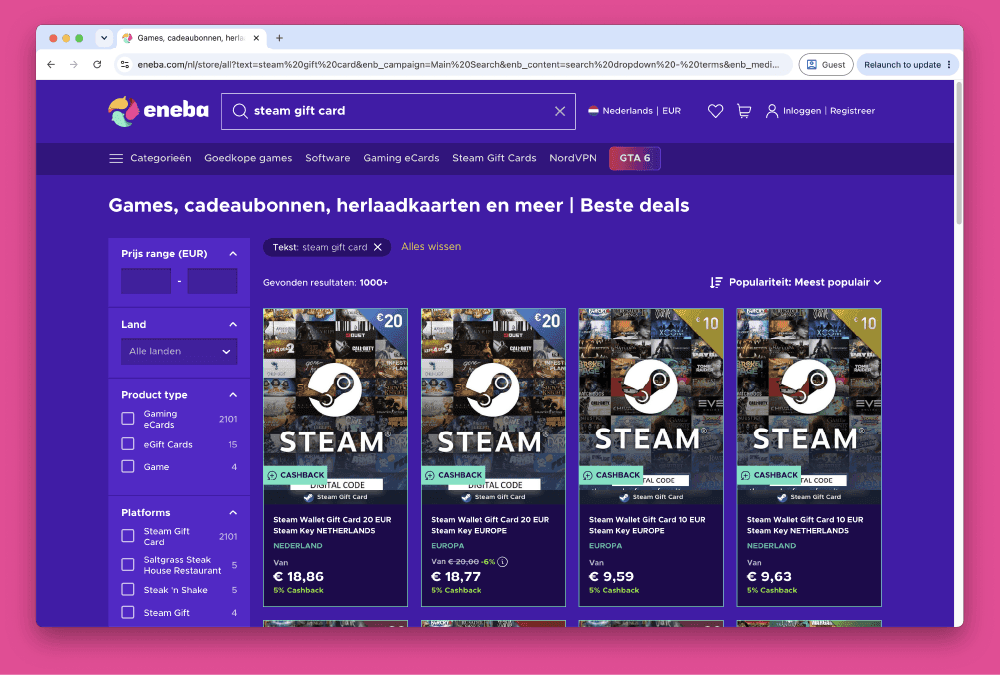
How to Buy Steam Wallet Credit from Eneba in Europe
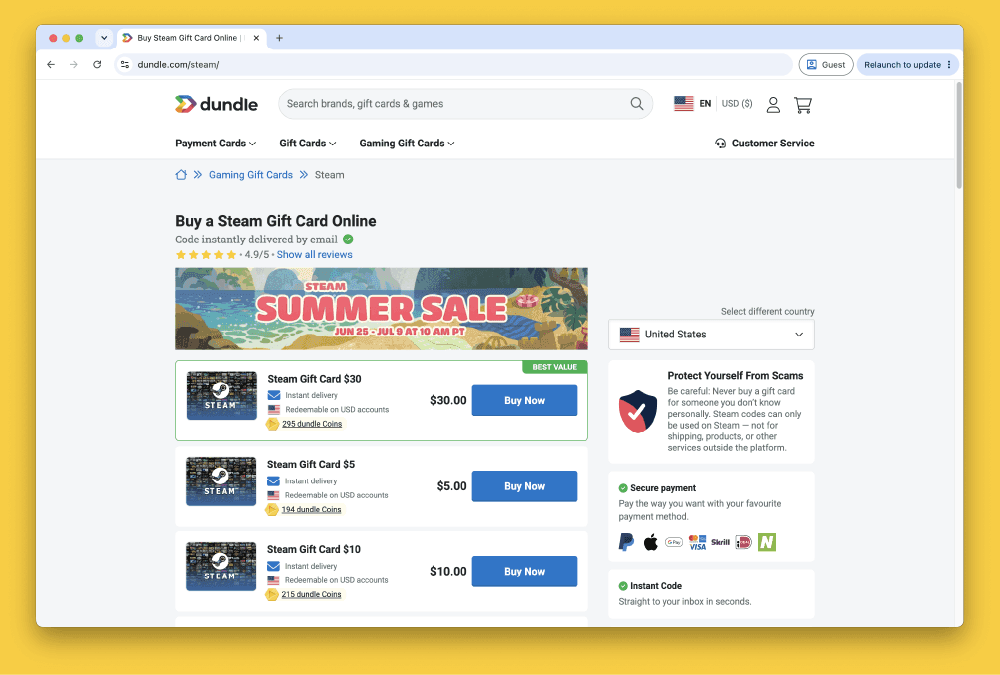
How to Buy Steam Gift Cards from Dundle in Europe
How to Buy Steam Wallet Credit with PayPal in Europe

How to Buy Steam Wallet Credit with Bancontact in Europe
How to Buy Steam Wallet Credit with iDEAL in Europe