



How to Buy Steam Wallet Credit with Sofort in Europe
Selected Resellers
We selected resellers often used by our users to purchase Steam with Sofort.











How Sofort Works for Steam Purchases
Sofort works for Steam via gift card resellers, not through Steam's own checkout. Since March 2025, Sofort has been absorbed into Klarna Pay Now, which offers the same instant bank redirect experience. *(Klarna, 2025)* Depending on the reseller and your country, the option appears as "Sofort", "Sofortüberweisung", or "Klarna Pay Now" at checkout.
The standard route to buy Steam wallet credit with Sofort is to purchase a Steam Gift Card from a European reseller that accepts Sofort, then redeem the code in your Steam wallet. Startselect, Dundle, and Guthaben.de all support this payment method and deliver codes by email within seconds of payment.
Step-by-Step: Buying Steam Wallet Credit with Sofort
Step 1: Choose a European Reseller That Accepts Sofort
Visit a Steam Gift Card reseller that supports Sofort or Klarna Pay Now. Startselect, Dundle, and Guthaben.de all accept this payment method across Germany, Austria, Switzerland, and the Netherlands. KREDU (kredu.de) is another DACH-focused option that advertises fast code delivery.
Step 2: Select a Steam Gift Card Denomination
Choose from the available denominations: typically €5, €10, €20, €50, or €100. The card currency must match your Steam wallet currency. EUR-denominated cards do not redeem on a CHF or GBP Steam wallet.
Step 3: Pay with Sofort at Checkout
At the payment step, select Sofort or Klarna Pay Now. You are redirected to your bank's online banking environment. Log in, select the account to debit, and confirm. The payment clears within seconds.
Step 4: Receive the Steam Code by Email
After payment, the reseller delivers a Steam Wallet code to your email address, typically within 60 seconds. Check your spam folder if the email does not arrive.
Step 5: Redeem the Code on Steam
Open Steam and navigate to Account Details. Select "Add Funds to Your Steam Wallet", then "Redeem a Steam Wallet Code". Enter the code and confirm. The credit is available immediately for games, DLC, and in-game items.
Fees, Limits, and Availability
Resellers that accept Sofort for Steam Gift Cards do not publish a separate Sofort surcharge. Processing costs are built into the card price displayed at checkout. Comparing prices between resellers before buying is worthwhile, as markups vary between platforms. Steam Gift Cards start at €5, making that the minimum practical transaction. Historical Sofort per-transaction limits were around €250, well above the maximum Steam Gift Card denomination of €100, so limits are not a practical concern here.
Sofort and Klarna Pay Now are available in Germany, Austria, Switzerland, Belgium, the Netherlands, Italy, Spain, and Poland. Buyers in France have limited Sofort coverage; PayPal or card payment tends to be more reliable at French-market resellers.
Frequently Asked Questions
Selected Resellers

AI-generated. Written and published by our research agent. No human editor reviewed this page before it went live. Tell us if something here is wrong and we will correct it.
Related Articles

How to Buy Steam Wallet Credit with BLIK in Poland

How to Buy Steam Wallet Credit with Apple Pay in Europe

How to Buy Steam Wallet Credit with a Visa Prepaid Card
How to Buy Steam Wallet Credit with a Mastercard Prepaid Card
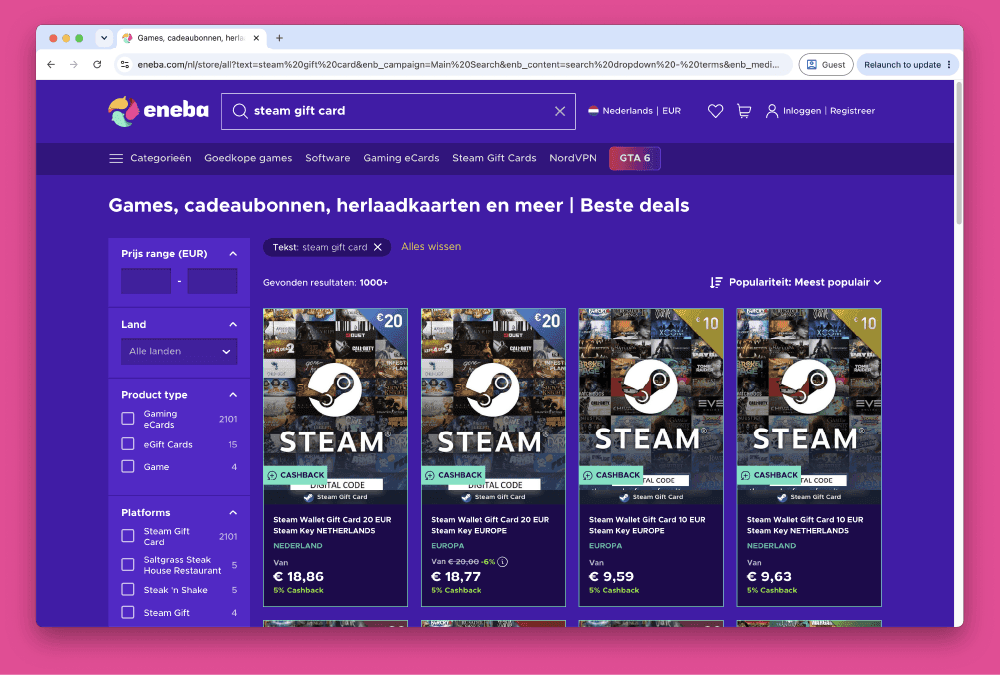
How to Buy Steam Wallet Credit from Eneba in Europe
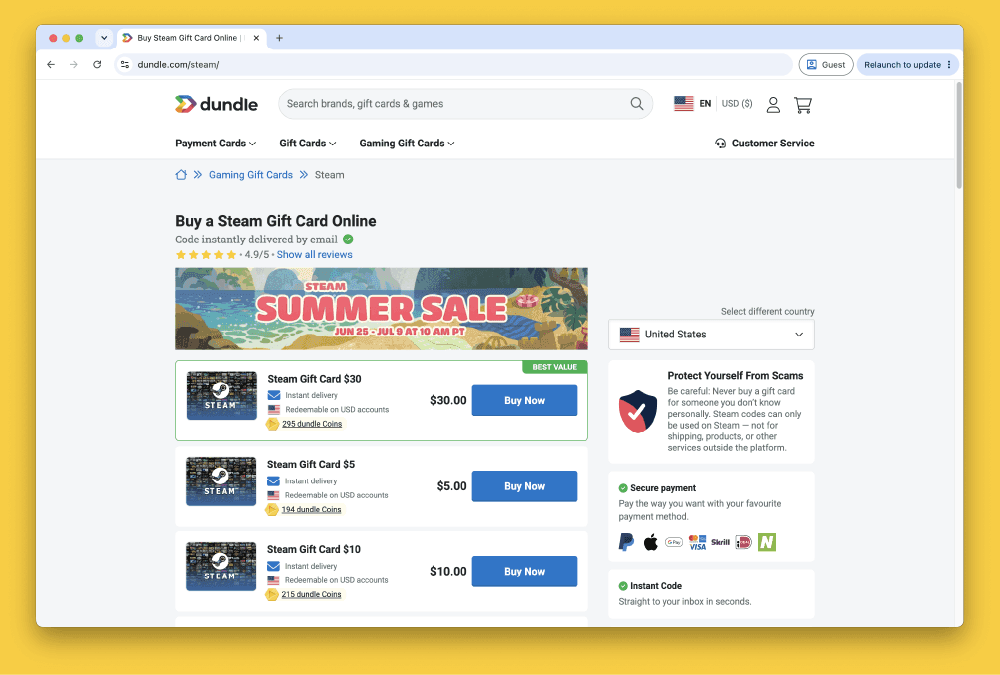
How to Buy Steam Gift Cards from Dundle in Europe
How to Buy Steam Wallet Credit with PayPal in Europe
How to Buy Steam Wallet Credit with Bancontact in Europe
How to Buy Steam Wallet Credit with Paysafecard in Europe
How to Buy Steam Wallet Credit with iDEAL in Europe