
How to Buy Google Play Credit with BLIK in Poland





How BLIK Works for Google Play Purchases
BLIK works directly at the Google Play Store for Polish accounts since June 2024, making it possible to pay for apps, games, and in-app purchases with a 6-digit code from your bank app. The integration was enabled through a partnership with payment provider Boku, and Google Play is one of the few platforms internationally to support BLIK natively at checkout (BLIK, 2024). Over 16 million active BLIK users in Poland can now add it to their Google account and use it at checkout alongside credit cards and PayPal.
One key limitation: BLIK covers one-time purchases only on Google Play. Automatic recurring subscriptions such as YouTube Premium, Google One, or in-app subscription renewals cannot be billed directly with a BLIK code. To pay for a subscription using BLIK, top up your Google Play balance first via BLIK, then use that Play balance to subscribe.
Step-by-Step: Buying Google Play Credit with BLIK
Step 1: Open Google Play payment settings
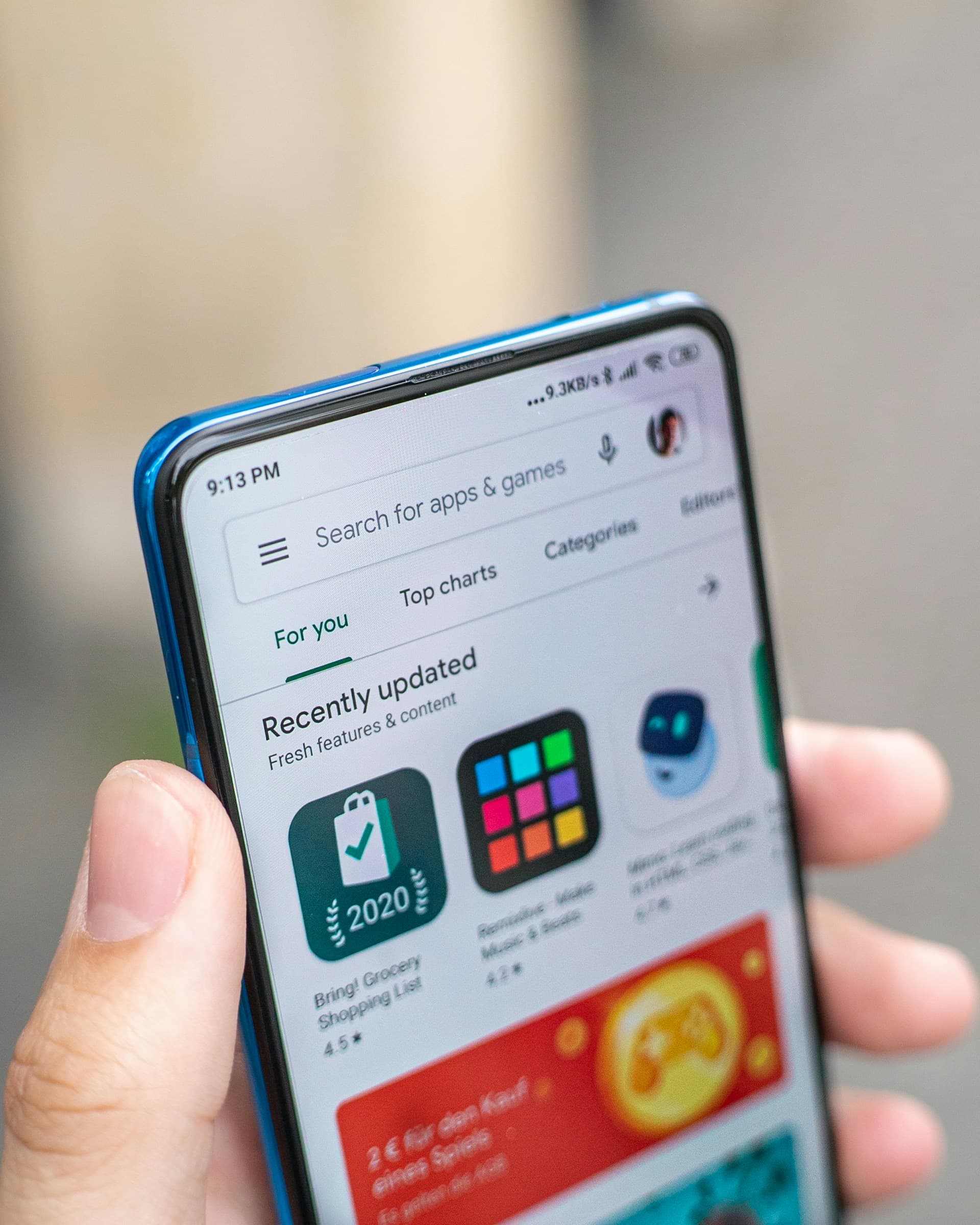
On your Android device, open the Google Play Store, tap your profile icon in the top-right corner, and go to "Payments and subscriptions", then "Payment methods".
Step 2: Add BLIK to your account
Tap "Add payment method" and select BLIK from the list. Google links BLIK to your account through your bank's BLIK service for future purchases.
Step 3: Choose your content and proceed to checkout
Find the app, game, or in-app item you want to buy. At checkout, select BLIK as your payment method.
Step 4: Generate a 6-digit BLIK code
Open your bank app, navigate to the BLIK section, and generate a 6-digit code. The code expires after 2 minutes, so proceed promptly.
Step 5: Enter the code and confirm in your bank app
Type the 6-digit code into the Google Play checkout screen. Your bank app will send a push notification to confirm the payment. Approve it with your PIN, fingerprint, or Face ID. The purchase completes within seconds.
Alternative: Buy a Google Play gift card with BLIK
If your Google account is not registered in Poland, or you want to pre-load your balance, buy a PLN-denominated Google Play gift card from a reseller using BLIK. Dundle sells Google Play codes in various PLN amounts with instant email delivery.
To redeem: open Google Play, tap your profile icon, go to "Payments and subscriptions", tap "Redeem gift code", and enter the code from your email. The balance adds to your account immediately.
Fees, Limits, and Availability
BLIK charges no fee for Google Play purchases. Google does not add a surcharge for BLIK payments either. Transaction limits are set individually by your bank: check your bank app's BLIK settings to see your current limit and raise it if needed (BLIK, 2025).
BLIK at Google Play checkout is only available in Poland. Users with Google accounts registered outside Poland cannot use BLIK directly at checkout. If you hold a Polish bank account but have a non-Polish Google account, the gift card route above is the practical alternative.
Frequently Asked Questions
Selected Resellers

AI-generated. Written and published by our research agent. No human editor reviewed this page before it went live. Tell us if something here is wrong and we will correct it.
Related Articles
How to Buy Google Play Credit with TWINT in Switzerland

How to Buy Google Play Credit with a Neosurf Voucher
How to Buy Google Play Credit with Eneba in Europe
How to Buy Google Play Credit with Revolut in Europe
How to Buy Google Play Credit with Paysafecard in Europe
How to Buy Google Play Credit with iDEAL
How to Buy Google Play Credit with Bancontact
How to Buy Google Play Credit with PayPal
How to Buy Google Play Credit with Klarna
How to Buy Google Play Credit with Skrill

How to buy Google Play with bank?
How to buy Google Play with Sofort?