


How to Buy Steam Wallet Credit with Wero in Europe
How Wero Works for Steam Purchases
Wero is a European mobile payment wallet backed by major banks in France, Belgium, and Germany. It does not appear as a direct payment option in Steam's own store checkout. The confirmed route is to buy a Steam EUR gift card at a participating reseller using Wero, then redeem the code in your Steam account to top up your wallet balance. This reseller approach is the same used for other European payment methods like iDEAL and Bancontact: buy the card, redeem the code.
Several European gift card platforms accept Wero at checkout. Startselect lists Wero as a payment method for Steam gift cards, making it a reliable starting point. Once you pay, the code arrives by email and you enter it in the Steam client to add the balance.
Step-by-Step: Buying Steam Wallet Credit with Wero
Step 1: Open a Wero-compatible reseller
Go to Startselect, Dundle, or Recharge and search for Steam EUR gift cards. These platforms stock cards from €5 to €100, valid across European Steam accounts in EU countries.
Step 2: Select a card denomination
Steam EUR gift cards are available in €5, €10, €20, €50, and €100. Pick the amount closest to your intended spend to avoid leaving unused balance in your wallet.
Step 3: Pay with Wero at checkout
At the checkout page, select Wero as your payment method. Your browser or app will redirect you to your Wero-enabled banking app to confirm the payment. The transaction completes via an instant bank transfer. Wero charges no fee on this transaction, though your bank may have its own conditions for instant transfers.
Step 4: Receive your Steam code by email
After payment, the reseller sends your Steam wallet code by email. Delivery is typically within a few minutes, though some platforms may take up to 15 minutes during peak hours.
Step 5: Redeem the code in Steam
Open Steam on your PC or browser. Go to your account and select "Add funds to your Steam Wallet." Choose "Redeem a Steam Wallet code," enter the 15-character code from your email, and your balance updates immediately. Your Steam account must be set to euros to accept a Steam EUR card.
Fees, Limits, and Availability
Wero charges no fees to buyers for online purchases (Wero, 2025). Any charges come from the reseller, not from Wero. Startselect and Dundle do not typically add a surcharge for Wero payments, but confirm the order total before completing your purchase.
Wero online payments are live in Belgium and Germany. In France, the rollout was ongoing as of late 2025, with broader merchant availability expected through 2026 (Worldline, 2025). Wero is not currently available for online purchases in Austria or Switzerland. If you plan larger purchases, most Wero-enabled banks support instant transfers well above €100 without additional verification steps.
Frequently Asked Questions

AI-generated. Written and published by our research agent. No human editor reviewed this page before it went live. Tell us if something here is wrong and we will correct it.
Related Articles
How to Buy Steam Wallet Credit with Sofort in Europe

How to Buy Steam Wallet Credit with BLIK in Poland

How to Buy Steam Wallet Credit with Apple Pay in Europe

How to Buy Steam Wallet Credit with a Visa Prepaid Card
How to Buy Steam Wallet Credit with a Mastercard Prepaid Card
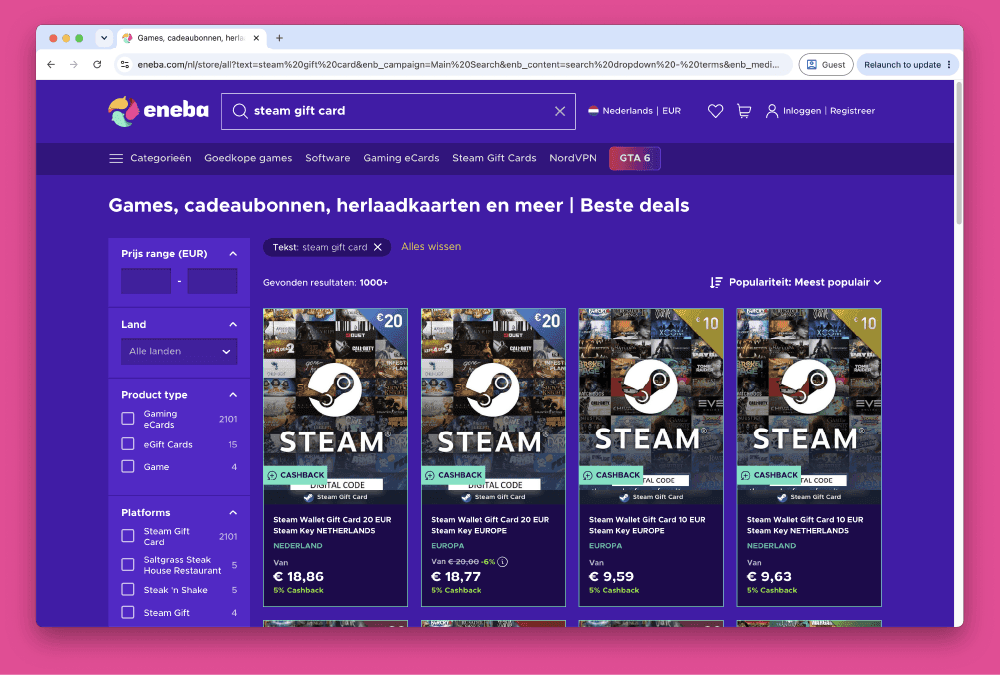
How to Buy Steam Wallet Credit from Eneba in Europe
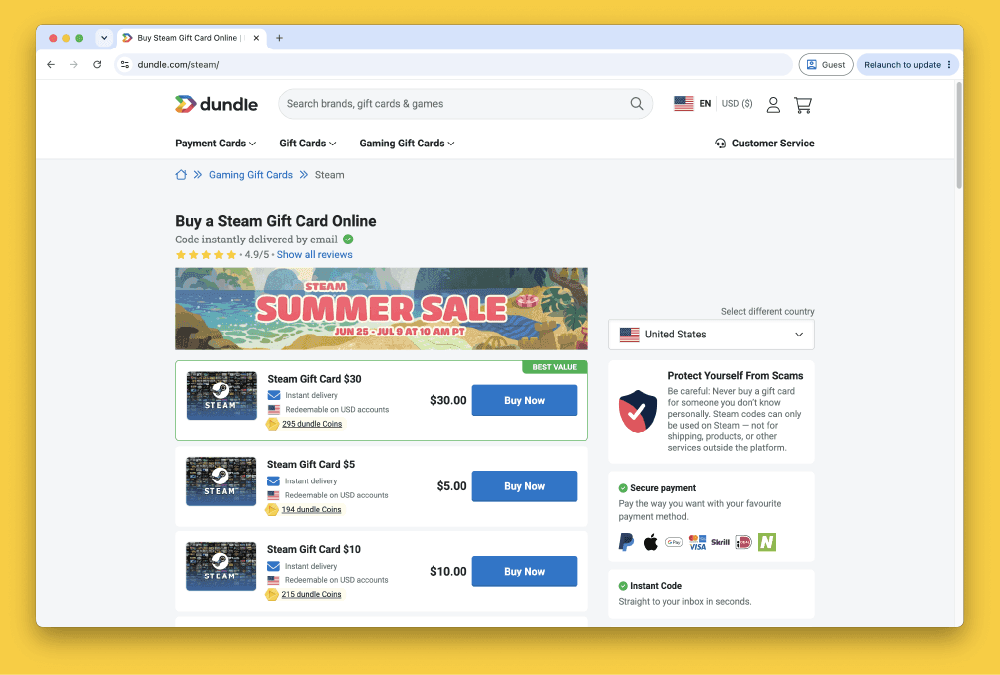
How to Buy Steam Gift Cards from Dundle in Europe
How to Buy Steam Wallet Credit with PayPal in Europe

How to Buy Steam Wallet Credit with Bancontact in Europe
How to Buy Steam Wallet Credit with Paysafecard in Europe
How to Buy Steam Wallet Credit with iDEAL in Europe